


.png)



.png)



.png)
A spreadsheet is no place for territory planning






Unbalanced territories are costing you coverage, time, and revenue.
When territories are built in spreadsheets or updated too slowly, coverage drifts, capacity becomes uneven, and plans break down before execution begins.

Planning takes too long
Territory updates rely on spreadsheets and manual work, making it slow to respond when teams, markets, or goals change.

Coverage becomes uneven
Without clear modeling, some territories become overloaded while others develop gaps that reduce performance.

Execution drifts from the plan
Territory changes do not always reach reps clearly, creating confusion around ownership, priorities, and coverage.
Built for the people who run sales.
Choose your role to see how Ascent Cloud supports your workflows with clearer visibility, tighter alignment, and tools that fit how your team actually runs sales.






Use Territory Planner when growth outpaces your territory model.
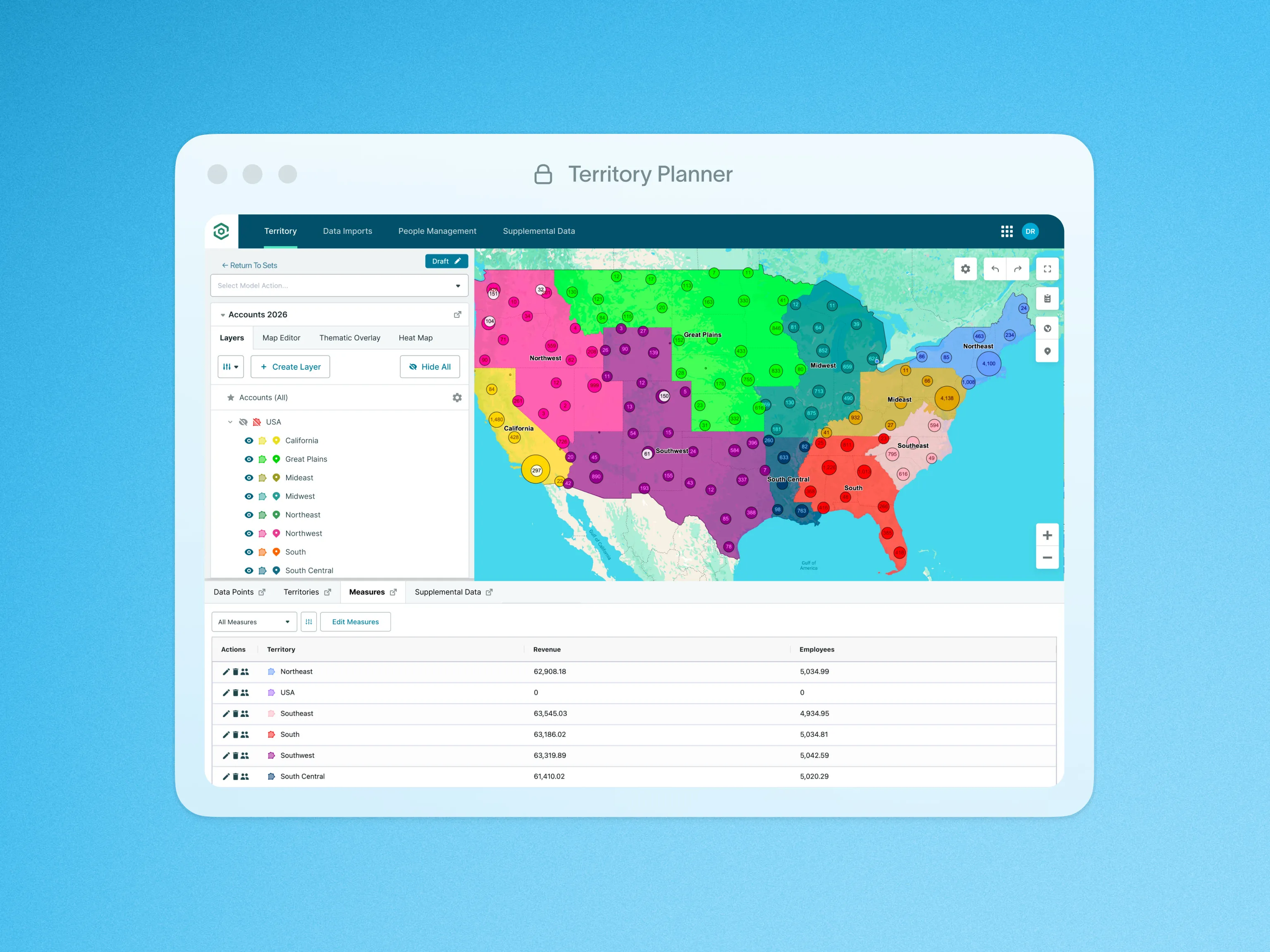
Build balanced territories in hours.

Optimize coverage and drive time


Go further with Ascent Cloud Insights
Insights builds on the activity already happening across Territory Planner, Geopointe, and LevelEleven, turning sales data into clear signals so teams can adjust faster and scale what works.

 See what drives resultsUnderstand performance across territories
 Spot risk earlyIdentify gaps before performance drops
 Act with confidenceMake faster, data-backed decisions
We’re in the business of growing businesses.
See why sales teams choose Ascent Cloud, roll out fast, and keep in their stack as they scale.










Tools for modeling, balancing, and rolling out territories with confidence.
Explore tools that help RevOps leaders model coverage faster, balance workload confidently, and roll out territory changes without disruption.

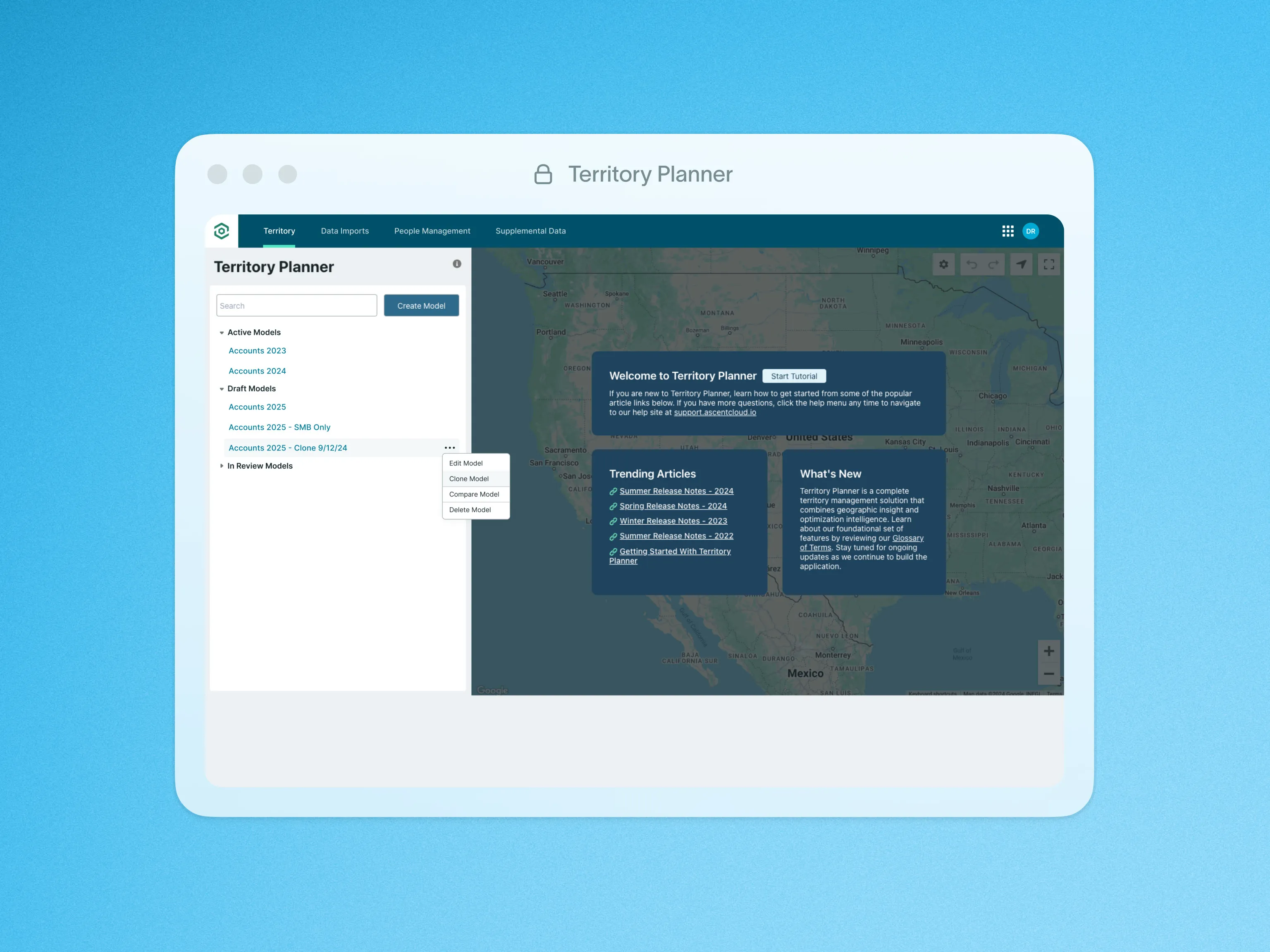
Clone Models
Duplicate territory models in a few clicks to iterate faster and preserve a clean baseline.

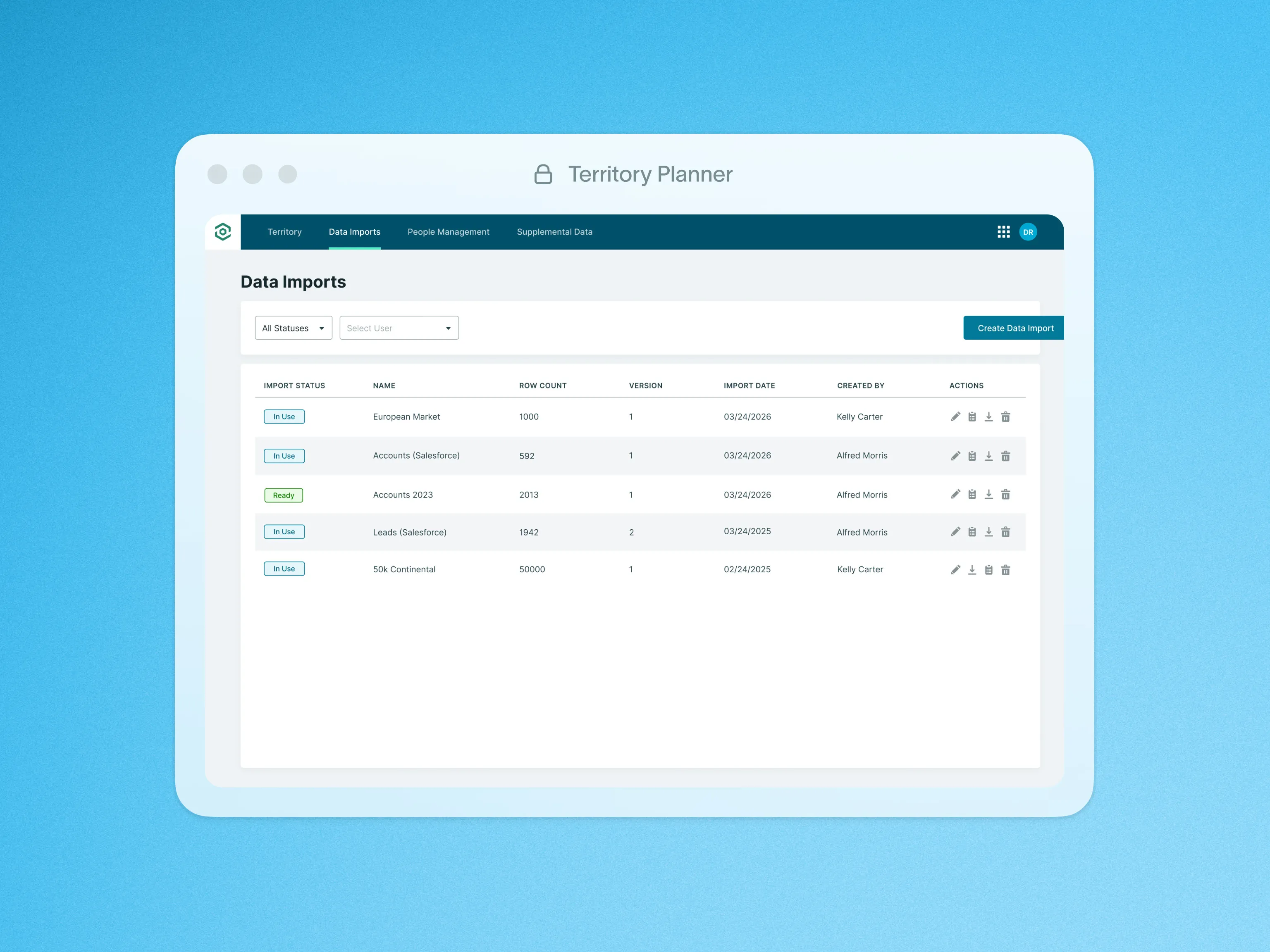
Data Import
Bring external data together in one place so you can plan territories using a complete, accurate view.

Export Territory Model to CSV
Export territory data easily so plans move smoothly into forecasting, operations, and execution workflows.

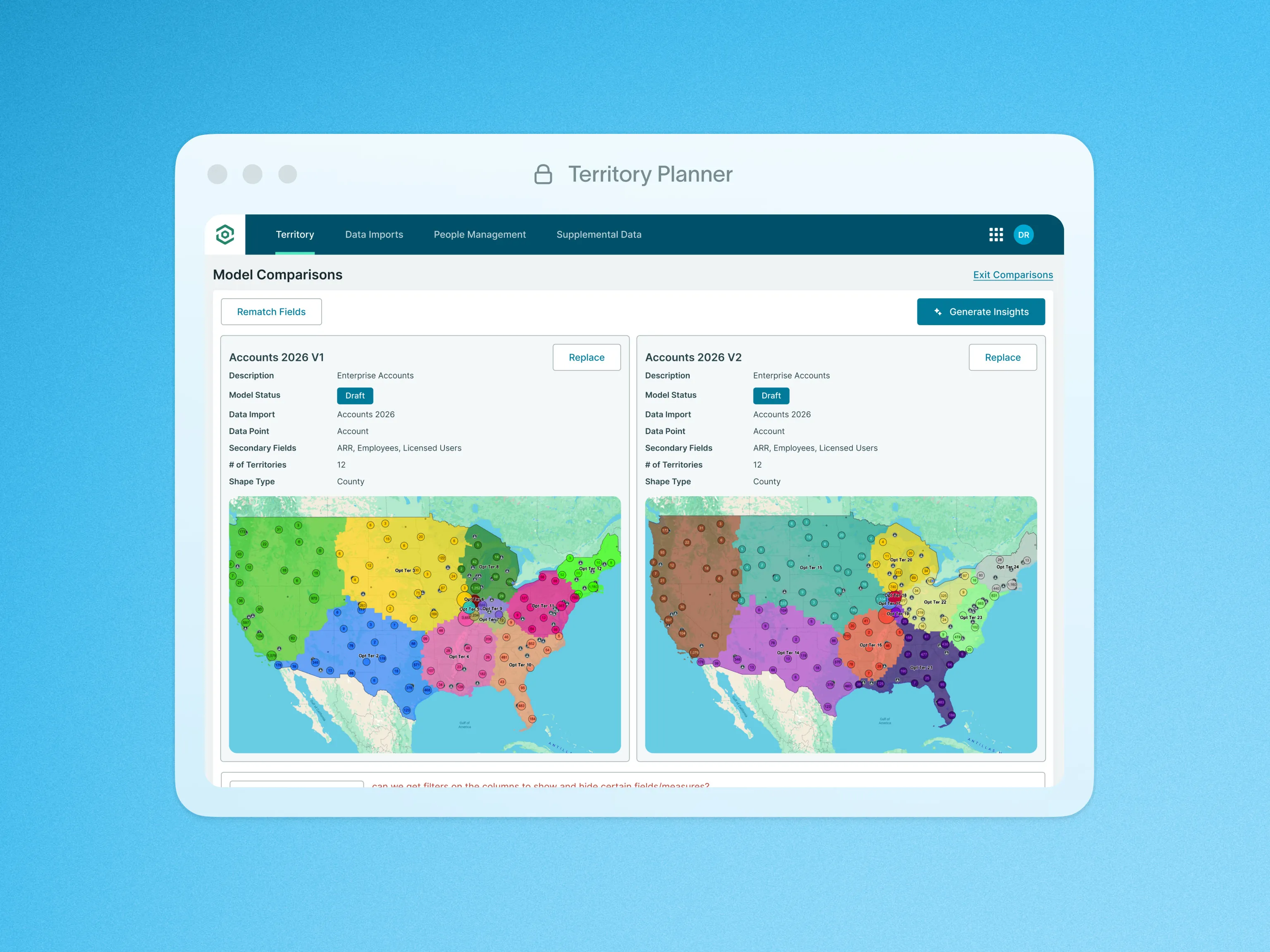
Gen AI Model Comparisons
Instantly surface key differences between models so you can evaluate options faster and act with confidence.

Heat Maps
Transform location data into heat maps to spot patterns, hotspots, and coverage gaps fast.

Hierarchical Territory Building
Organize territories clearly across teams so ownership stays structured as your organization scales.

Import Geopointe Data Sets
Sync Geopointe Data Sets into your territory models so plans and field execution stay aligned.

Import Geopointe Territories and Other Shapes
Import existing Geopointe territories and shapes to avoid rebuilding and speed up updates.

Integration Engine
Connect external data sources so territory decisions reflect real market conditions, not partial data.

Measures: Territory Insights
Get real-time metrics on how accounts, opportunities, and leads are distributed across territories.

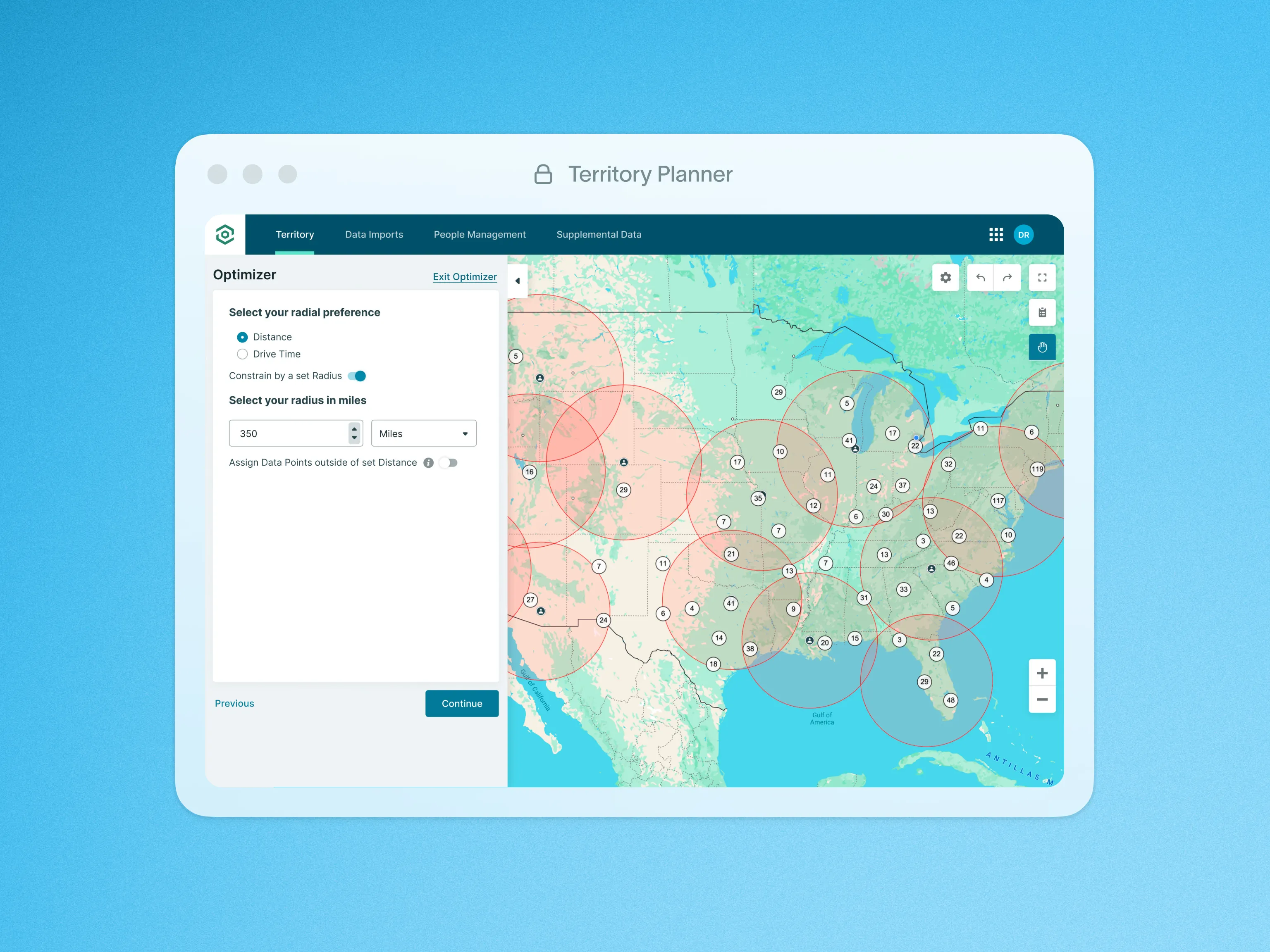
Point of Interest Optimization
Design territories around key locations to reduce drive time and improve coverage efficiency from day one.

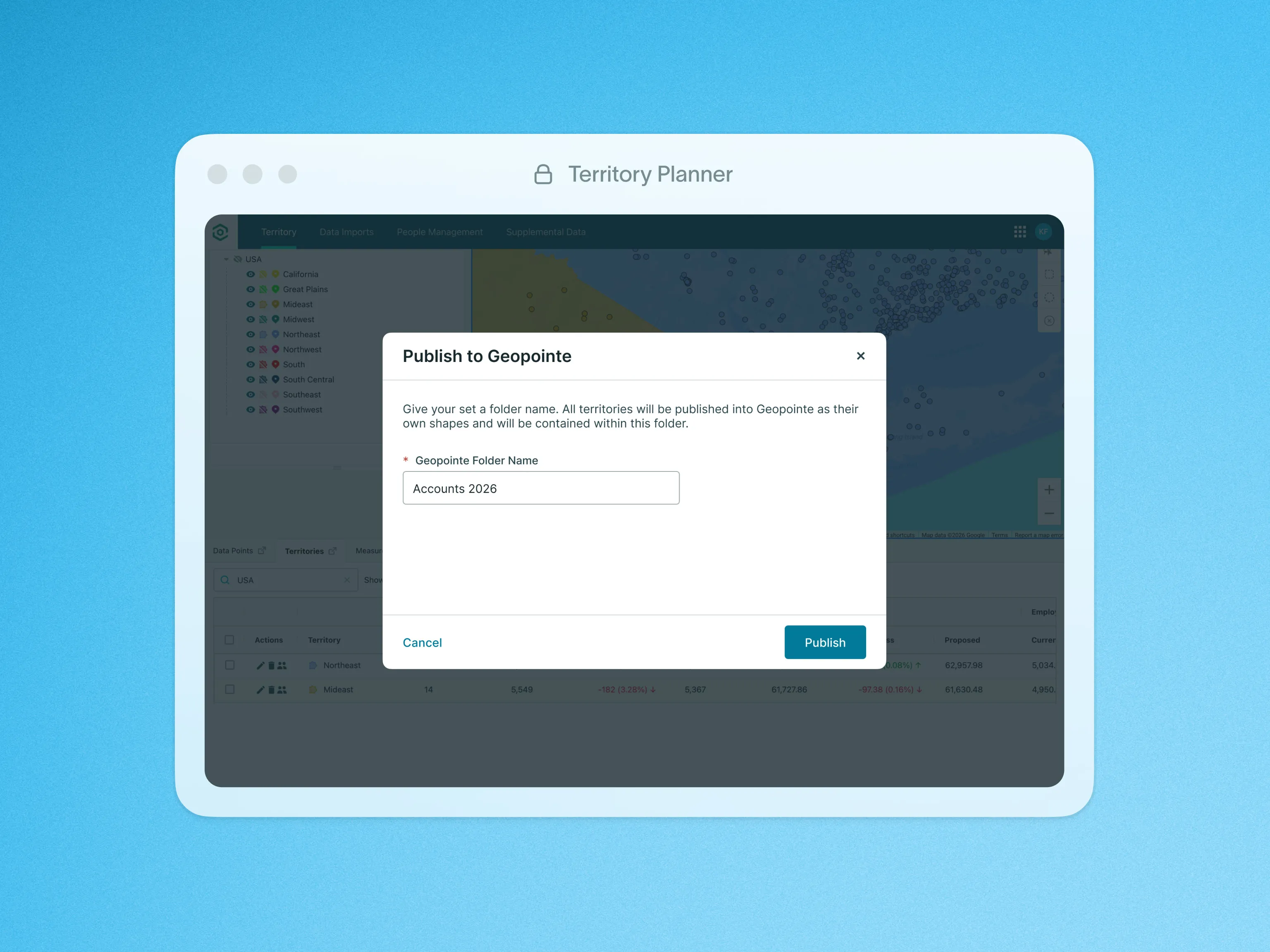
Publish to Geopointe
Publish finalized territory models to Geopointe in one action so reps can execute immediately.

Quota Planning
Set and manage quotas alongside territories so targets stay realistic and aligned with market potential.

Shape Library
Create accurate, contiguous territories fast with an up-to-date library of states, ZIPs, and MSAs.

Territory Model Comparison
Compare territory versions over time so you can understand impact before rolling out changes.

Territory Model Editor
Adjust territories using real data and visual signals so decisions stay grounded in performance reality.

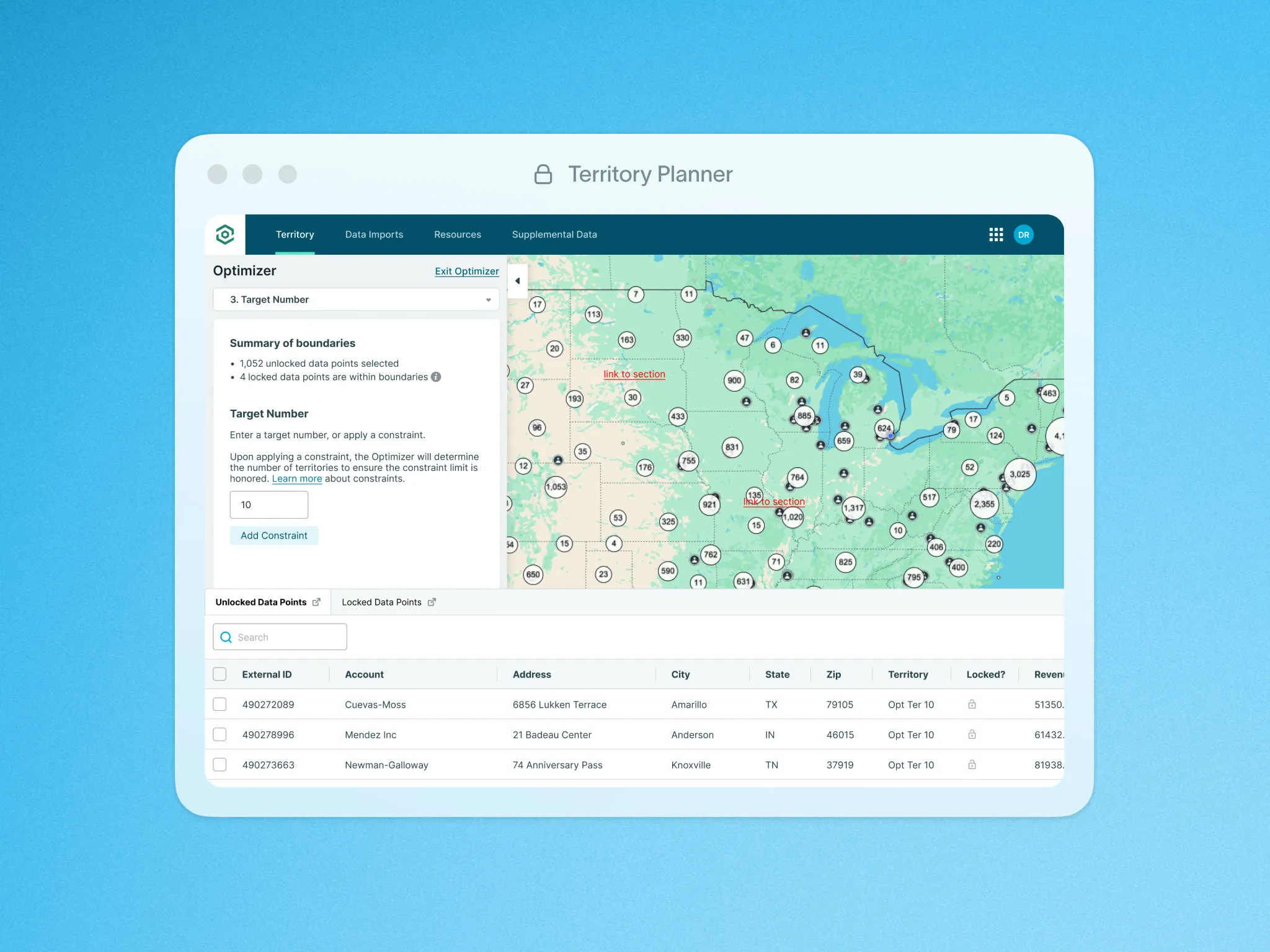
Territory Optimizer
Create balanced territories instantly so you spend less time building and more time optimizing coverage.

Territory Shape Editor
Build and edit territories visually with intuitive tools and map-based insights to manage changes.

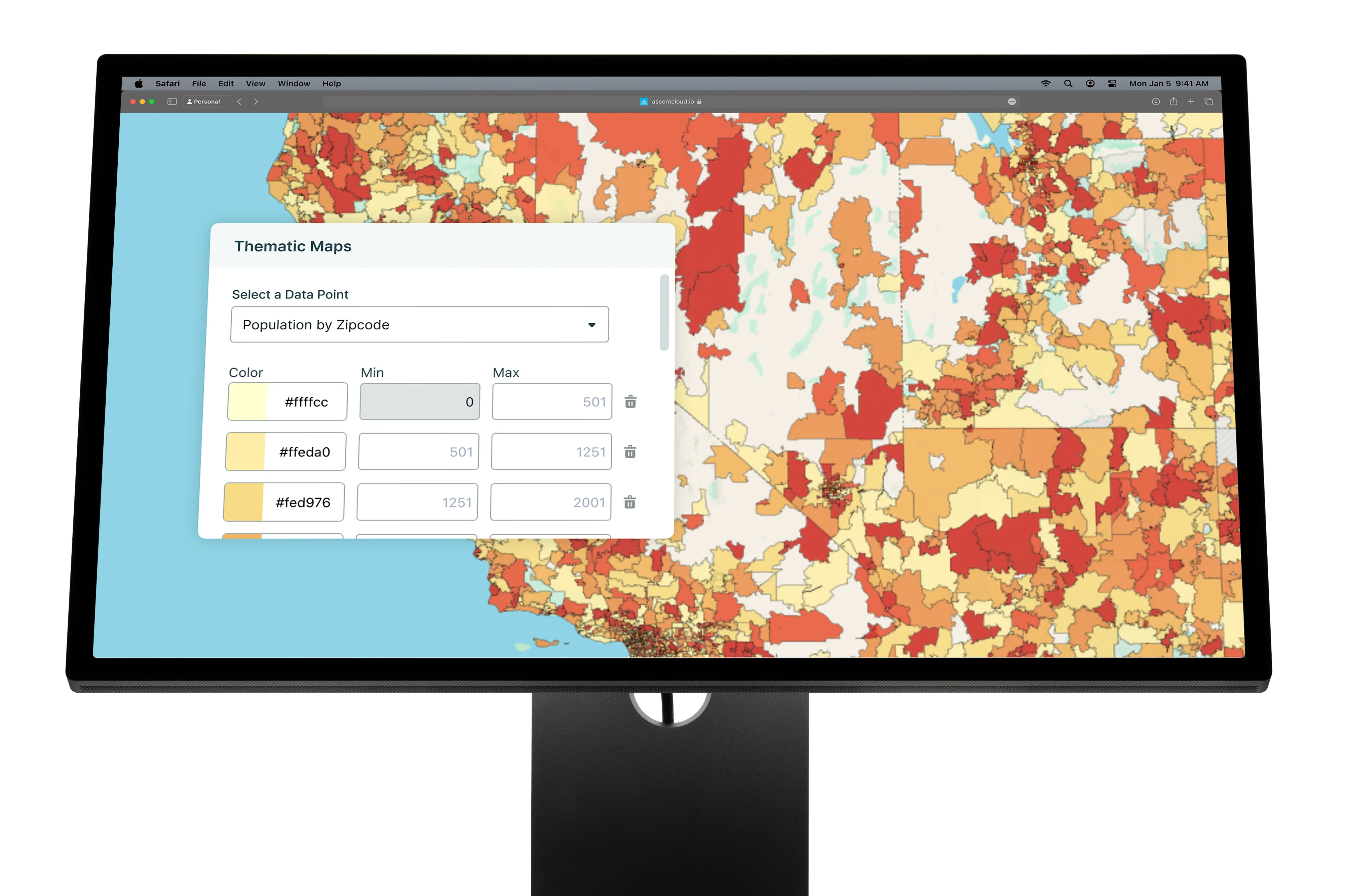
Thematic Maps
Use color-coded overlays to quickly identify trends, gaps, and opportunities across regions.

Visualize Your Data on the Map
See territory value and coverage visually so you can spot gaps and make faster planning decisions.
Built to stand alone.
Designed to work together.
When Territory Planner, Geopointe, and LevelEleven work together, planning decisions flow directly into field execution, and performance data feeds back into smarter decisions.
Plans impact the field, execution signals become coaching, and performance changes flow back into strategy
Connect Ascent Cloud to the systems you already run on.
Sync the data that powers planning, field execution, and performance management so teams stay aligned, without rebuilding your GTM stack.


Frequently Asked Questions
Territory Planner lets RevOps and sales leaders build and compare territory models using real capacity and potential, then publish assignments so the field can execute on the plan.


Yes. You can pressure-test coverage by segment, region, role, or capacity, and surface gaps early so territory decisions hold up before rollout.
Once a model is finalized, you can publish assignments downstream so reps and managers work from the updated plan without manual rework.
You can use CRM data and external datasets (via imports/integrations) to build a more complete view of accounts, potential, and constraints for modeling.
Clone models, compare versions, and track changes over time so stakeholders can review options and align on the right design before activation.
Most often RevOps / Sales Ops leads it day-to-day, with CRO/VPSales and Sales Managers involved for approvals, fairness, and coverage outcomes.
Looking for something else? info@ascentcloud.io


.png)
.png)

.png)



