.png)



.png)



How 3M Improved Territory Coverage and Resource Deployment with Geopointe

“We are going to be able to do some fun things around territory coverage, and have insightful conversations about how we can better deploy resources.”

Problem
3M needed a better way to create territory maps for internal clients and gain clearer visibility into how resources should be deployed. During COVID-19, the team was especially constrained and needed a solution they could learn and implement without relying on outside support. They also wanted stronger geographic insight into territory coverage, open opportunities, and travel patterns in order to better support inside sales resource planning.
Solution
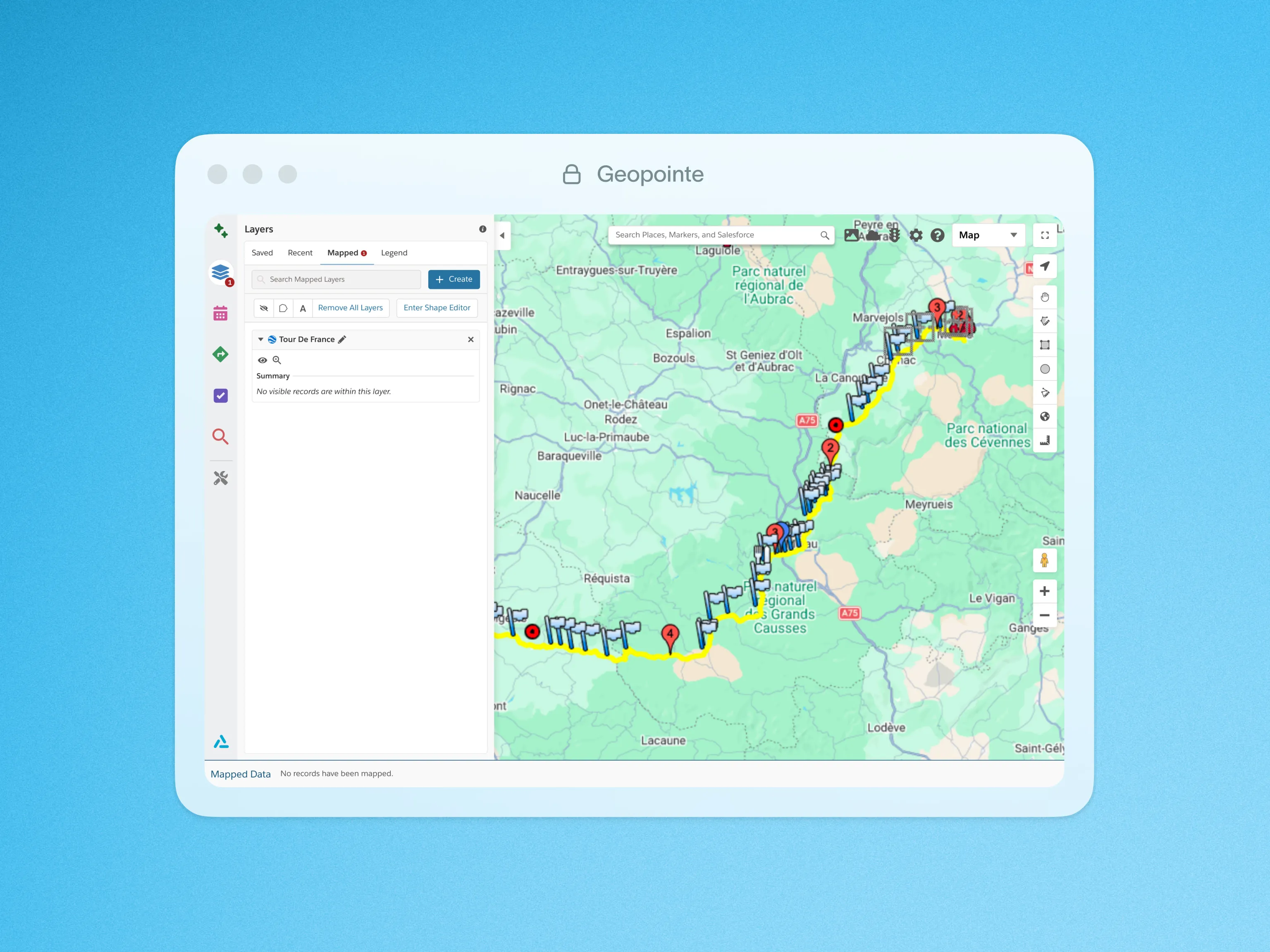
3M implemented Geopointe to improve territory visibility and make geographic analysis more accessible within Salesforce. Geopointe’s layer functionality allowed the team to work across different boundary systems, using ZIP codes for internal territory organization while also incorporating county-based channel partner data on the same map. By layering both shape types together, 3M could build clearer territories, use them in presentations, and distribute them to the appropriate reps. The team also benefited from Geopointe’s CSV Import feature, which made it possible to bring external data into Salesforce and save it as map layers, as well as the platform’s Knowledge Base, which supported self-service learning and adoption.
Result
With Geopointe, 3M gained a clearer understanding of territory coverage and uncovered new ways to support internal stakeholders. The team was able to visualize where the business was winning and where it was not, analyze travel patterns more effectively, and identify which territories contained open opportunities. These insights helped inform where inside sales resources should focus and when face-to-face meetings were truly necessary versus when engagement could happen virtually. Overall, Geopointe helped the team complete tasks faster, work more cost-effectively, and produce visual territory outputs that were both useful and presentation-ready.