


.png)



.png)



.png)
The Salesforce-native mapping solution built for field sales
Drive field productivity and market coverage by turning location data into actionable intelligence—not just visualization.






Trusted by modern enterprise sales teams












Poor field coverage and inefficient routing are costing you selling time.
Reps spend too much time driving, coverage gaps go unnoticed, and field activity becomes harder to prioritize and measure at scale.

Routes waste selling time
Reps build plans manually or rely on static maps, leading to unnecessary travel and fewer productive meetings each week.

Coverage gaps go unseen
Without geographic visibility, high-value accounts and whitespace opportunities are missed while effort clusters in familiar areas.

Activity lacks context
Field activity is logged in CRM, but without location context leaders struggle to connect movement, coverage, and outcomes.
A platform overview in 75 seconds
Use Geopointe when field activity is high but coverage and routing are hard to optimize.
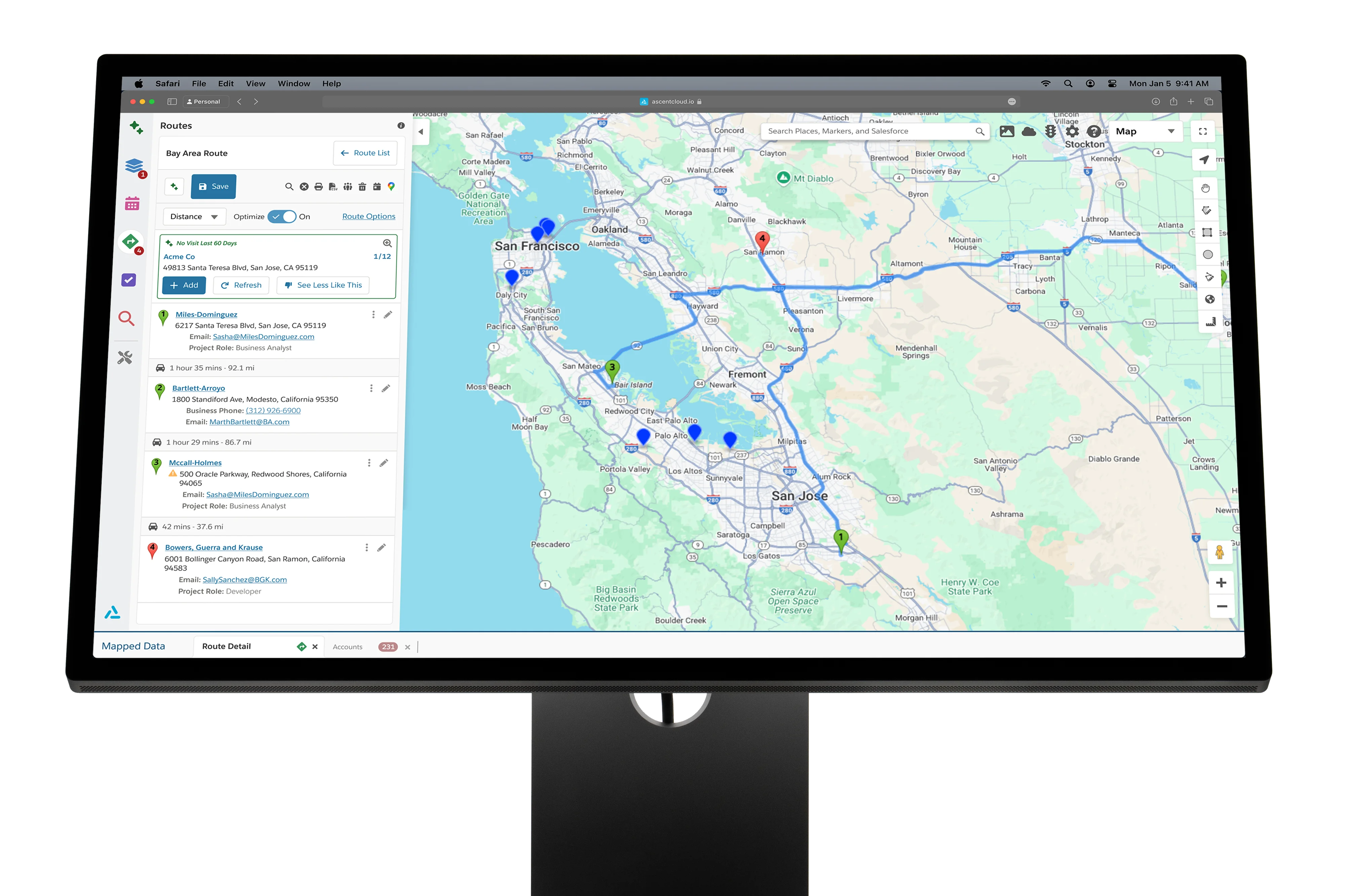
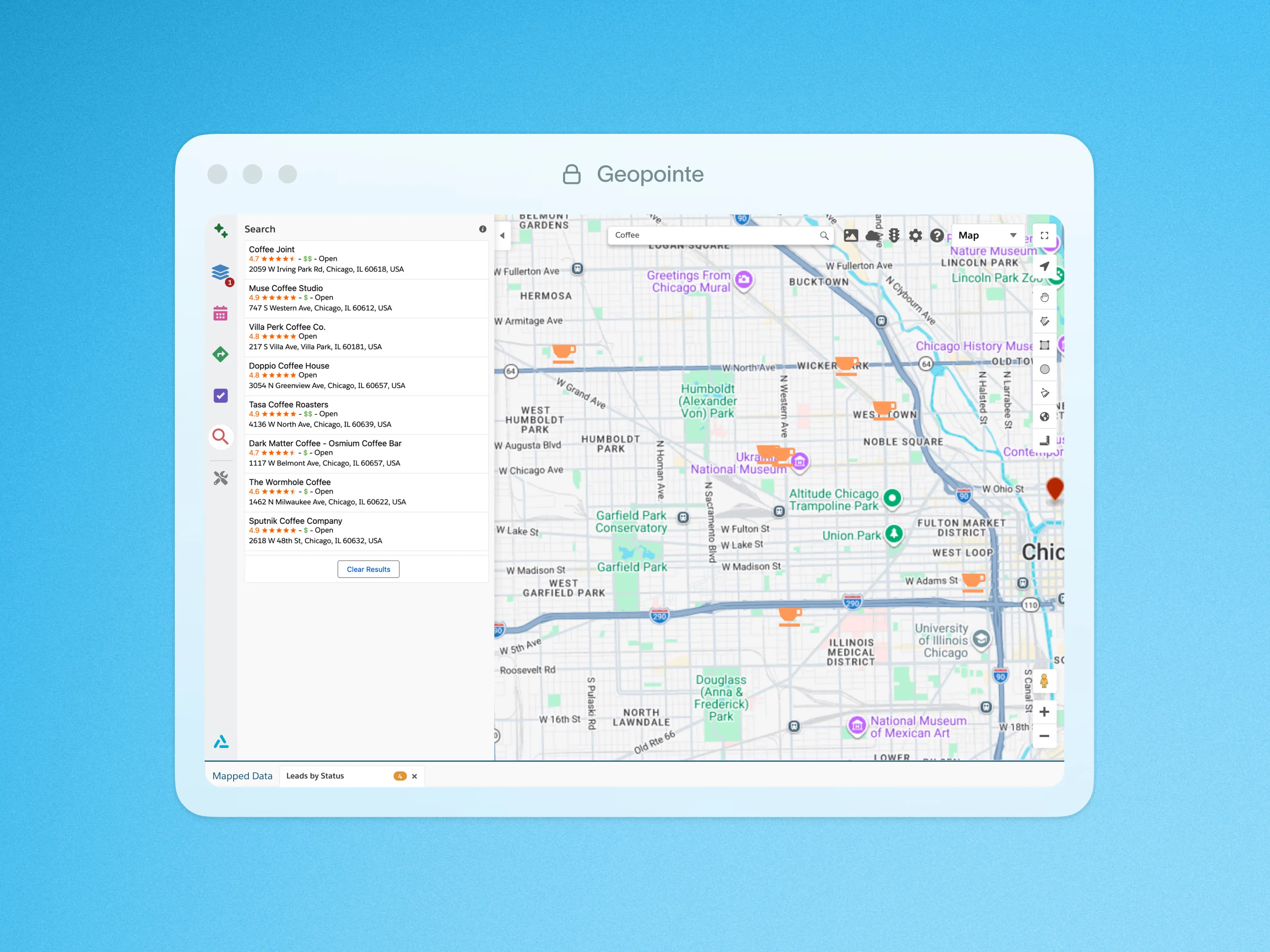
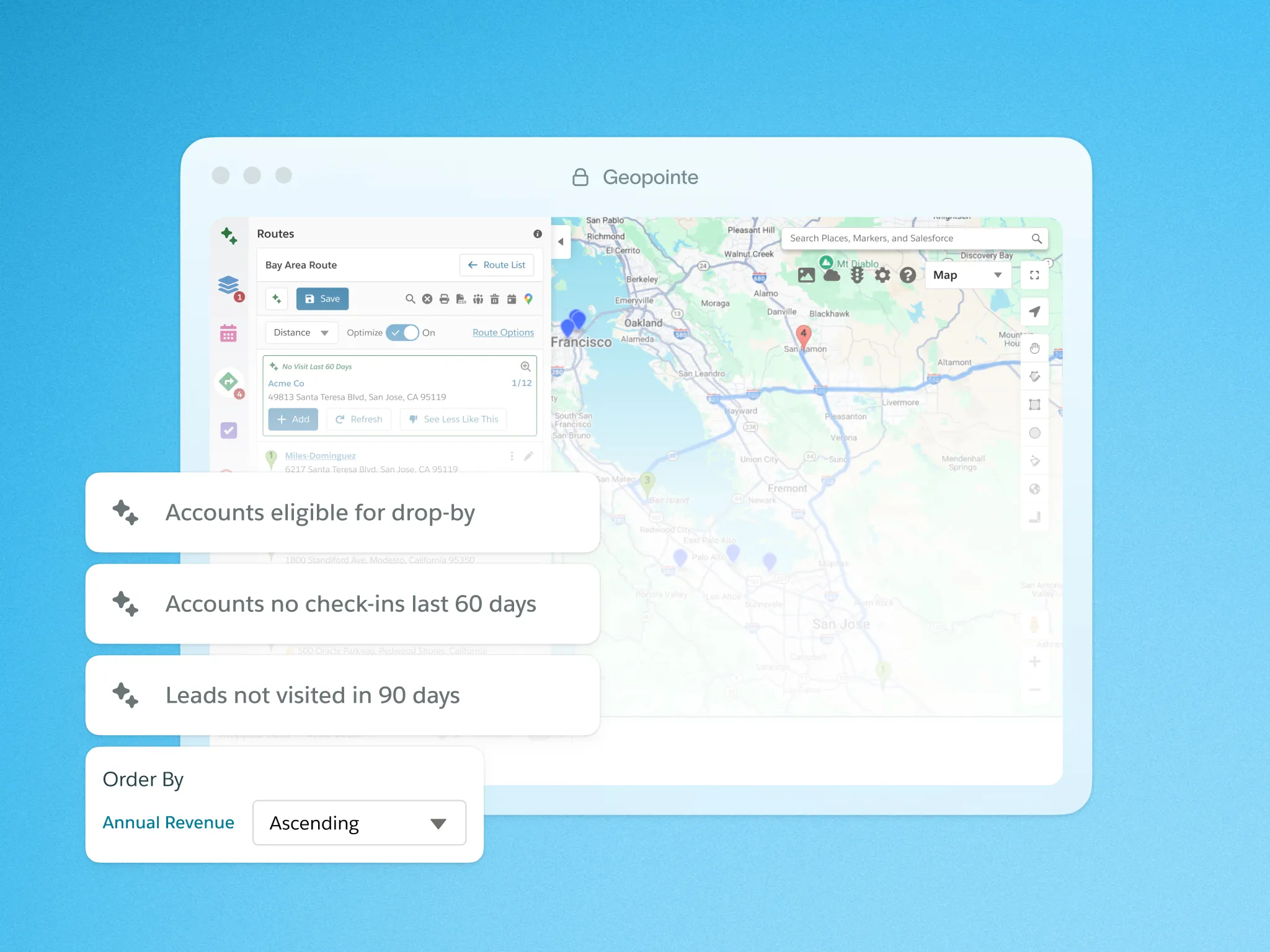
Prioritize the right accounts in the field.


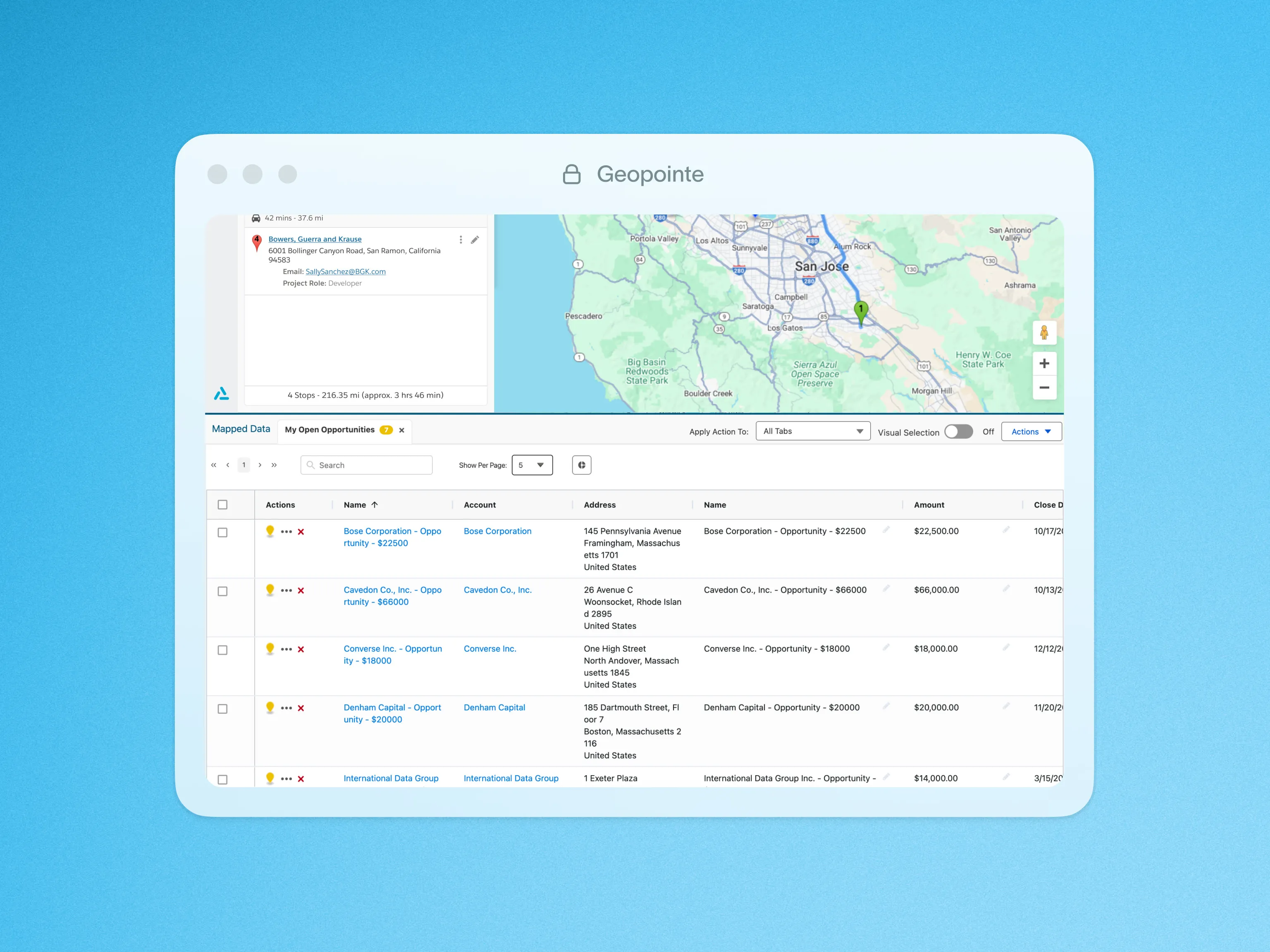

Build routes reps actually run.
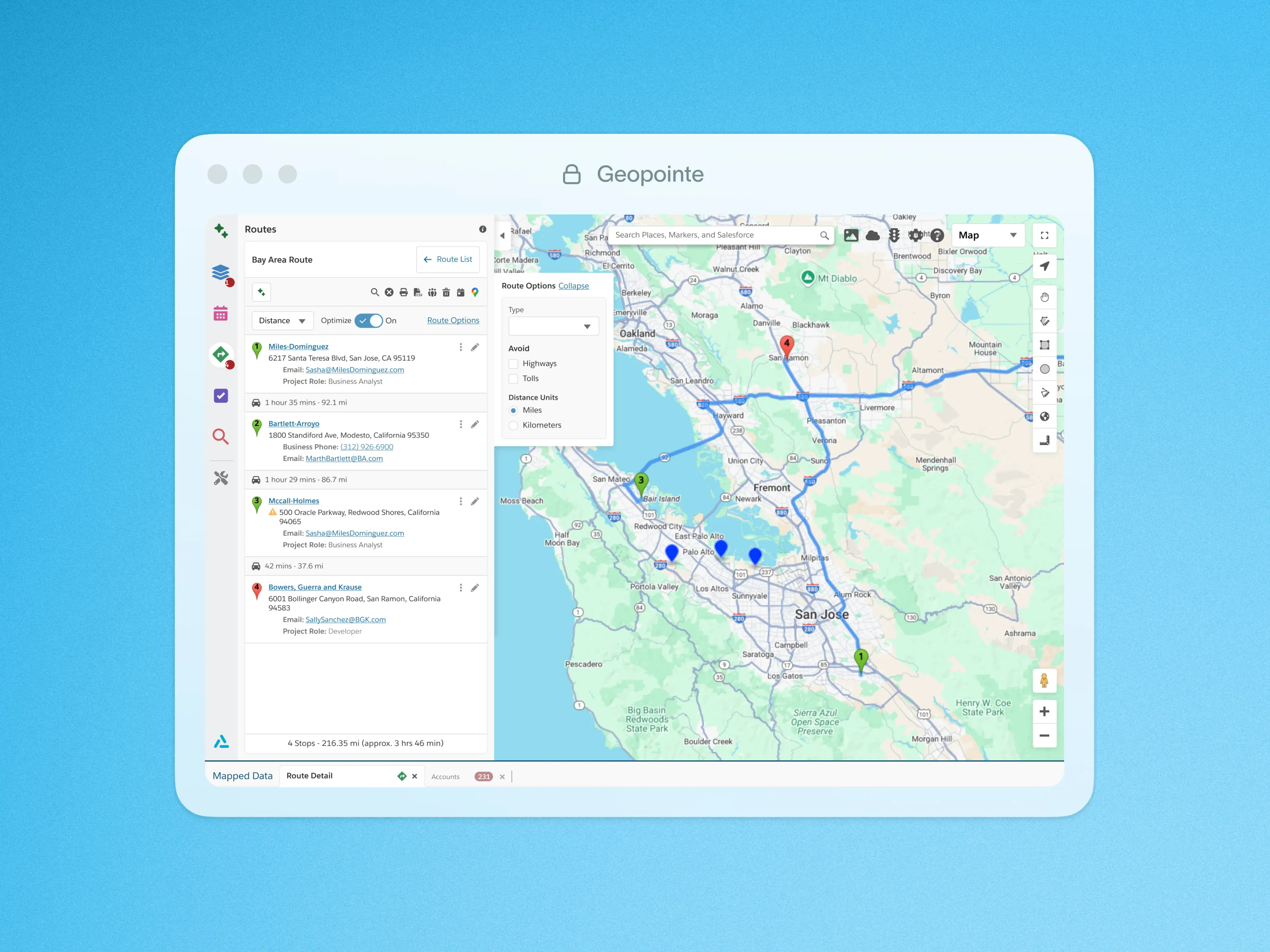
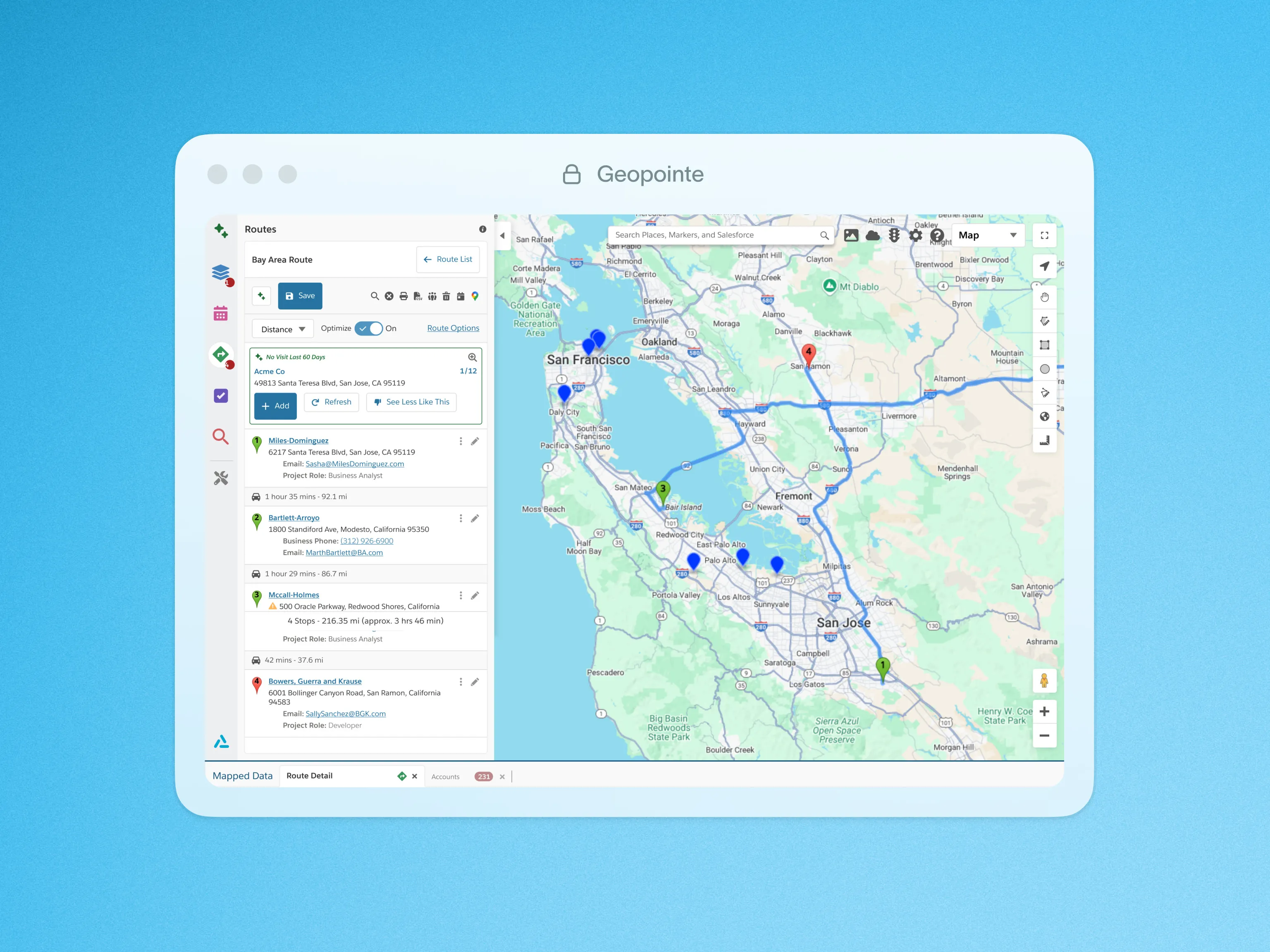
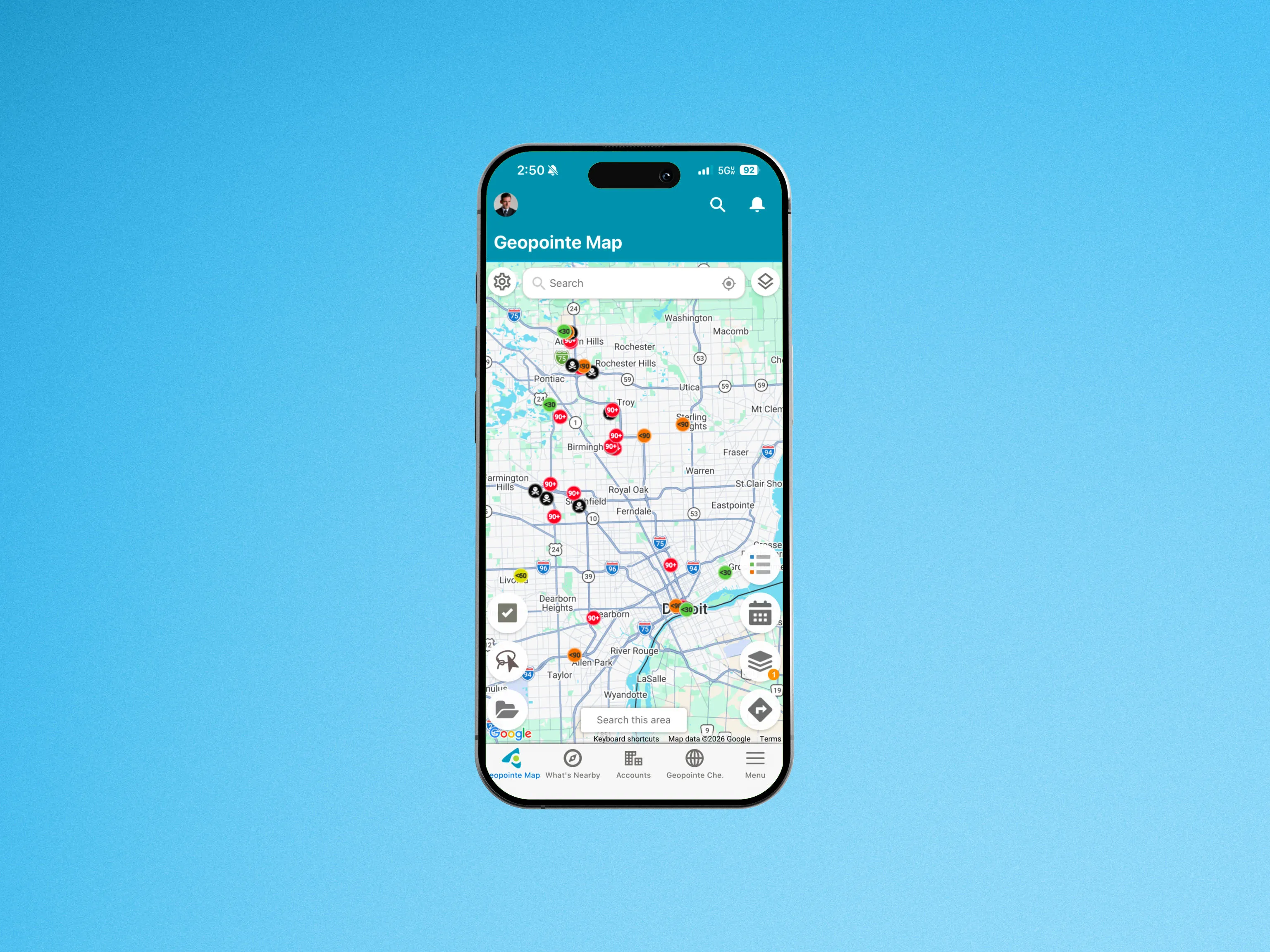

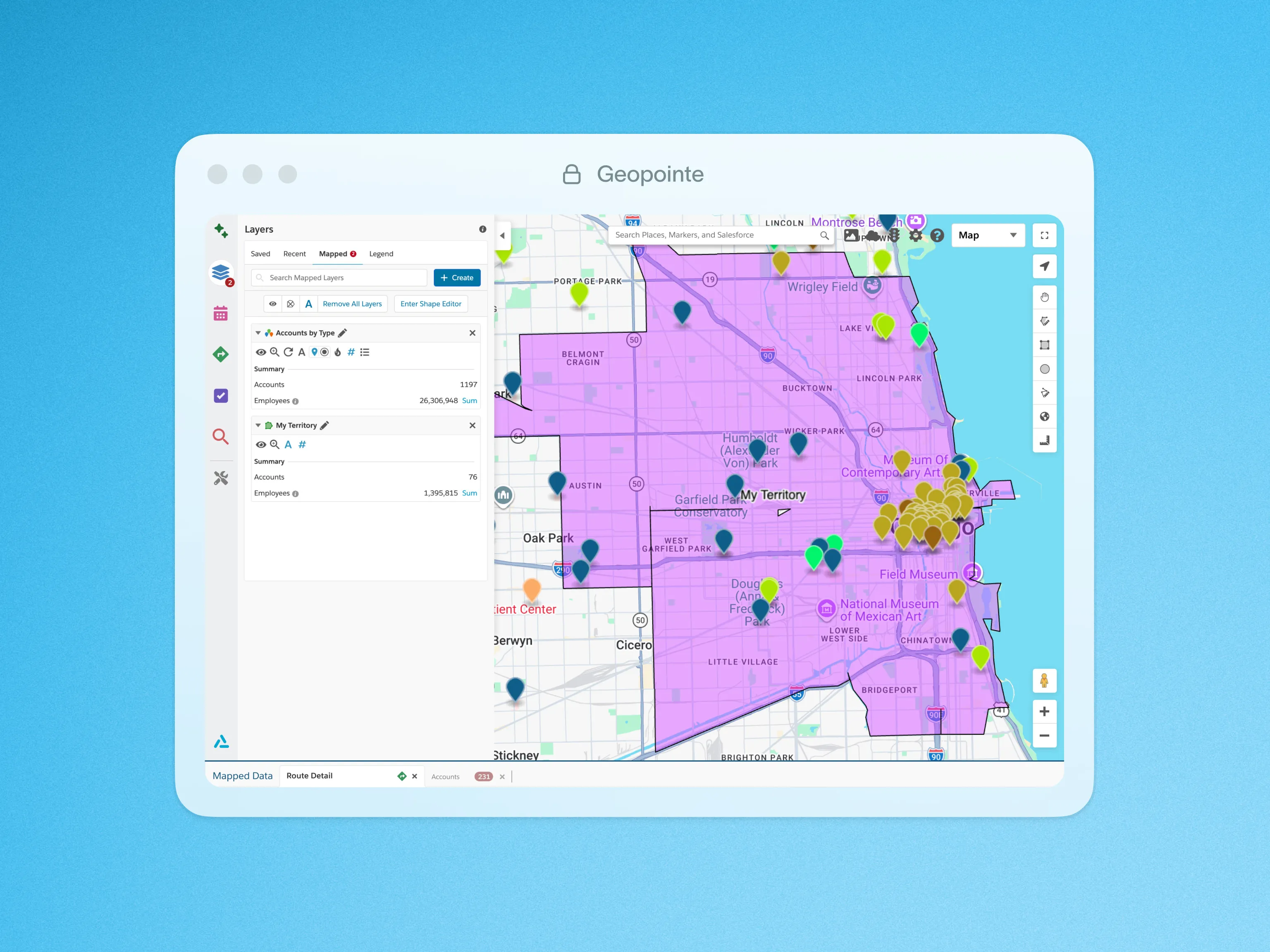
Improve coverage and eliminate whitespace.
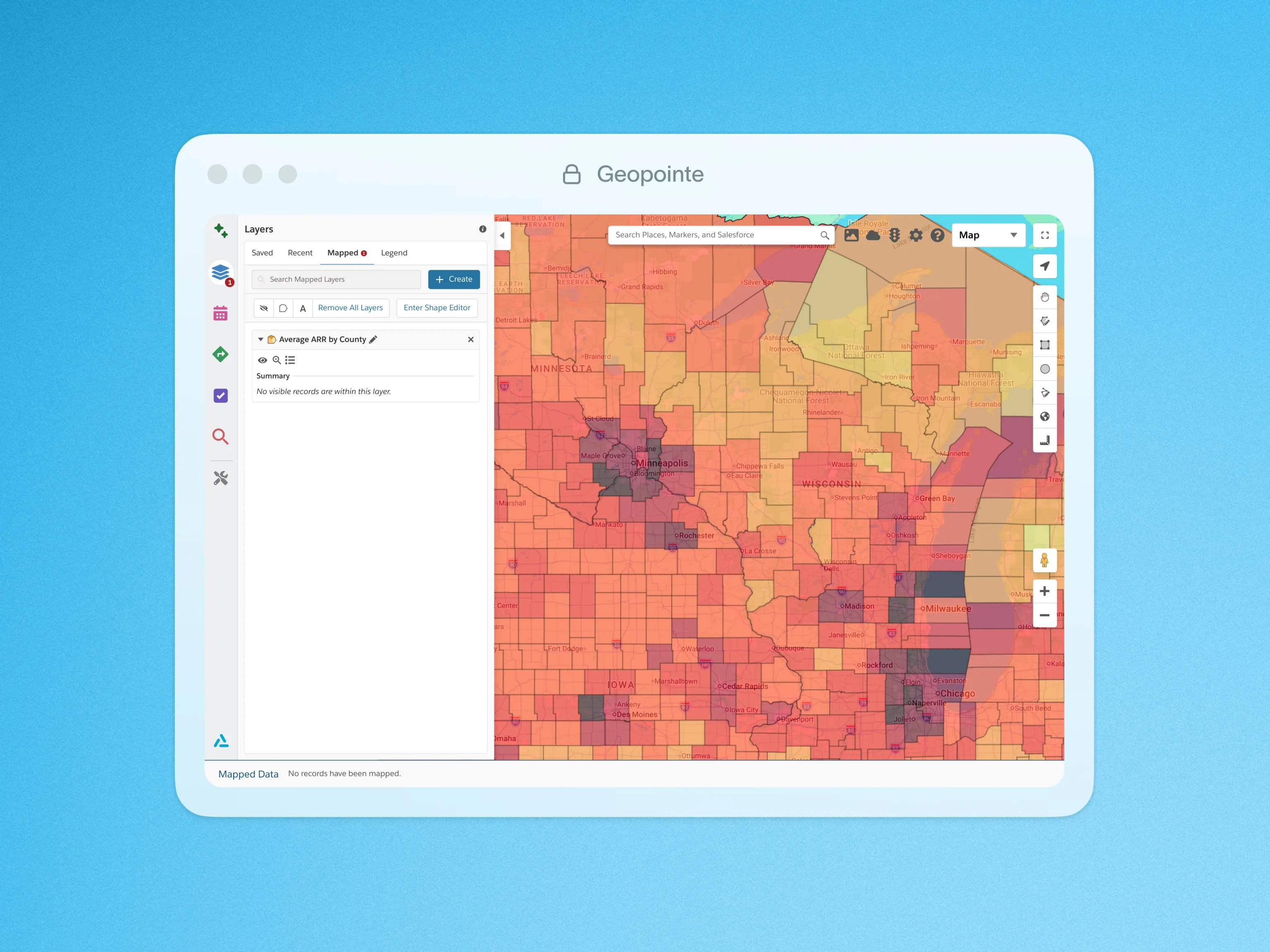


Proof that shows up in your numbers.
See how Geopointe turns account data into smarter routes and prioritized visits, helping field teams cut drive time, increase coverage, and protect pipeline.





Site visits
+20%
Dobson Fiber increased on-site visits by 20% and freed reps from manual admin work daily.
Meeting attainment
+14%
Paycor’s field team hit weekly appointment goals 14% more often after deploying Geopointe.
ARR growth
+25%
SpotOn grew ARR by 25% by using coverage insights to target the right accounts and prioritize visits.
Go further with Ascent Cloud Insights
Insights builds on the activity already happening across Territory Planner, Geopointe, and LevelEleven, turning sales data into clear signals so teams can adjust faster and scale what works.

 See what drives resultsUnderstand performance across territories
 Spot risk earlyIdentify gaps before performance drops
 Act with confidenceMake faster, data-backed decisions
We’re in the business of growing businesses.
See why sales teams choose Ascent Cloud, roll out fast, and keep in their stack as they scale.







Tools for smarter routing, coverage planning, and field execution.
Explore features that help field teams prioritize accounts, optimize routes, and turn location data into daily execution.

Add to Campaign
Quickly and easily add your mapped records to a Campaign.

Apex API
Perform radial searches, calculate distances, perform real-time geocoding with Geopointe’s API Apex Class.

Assignment Areas
Geopointe Assignment Plans enable you to create and manage territories with ease, identifying records that fall within specific geographic or criteria-based areas.
Automated Assignment
Automatically assign leads and accounts by rules so ownership stays accurate as territories and priorities change.

Calendar-Based Scheduling
Plan schedules geographically so meetings flow logically and travel time stays under control.

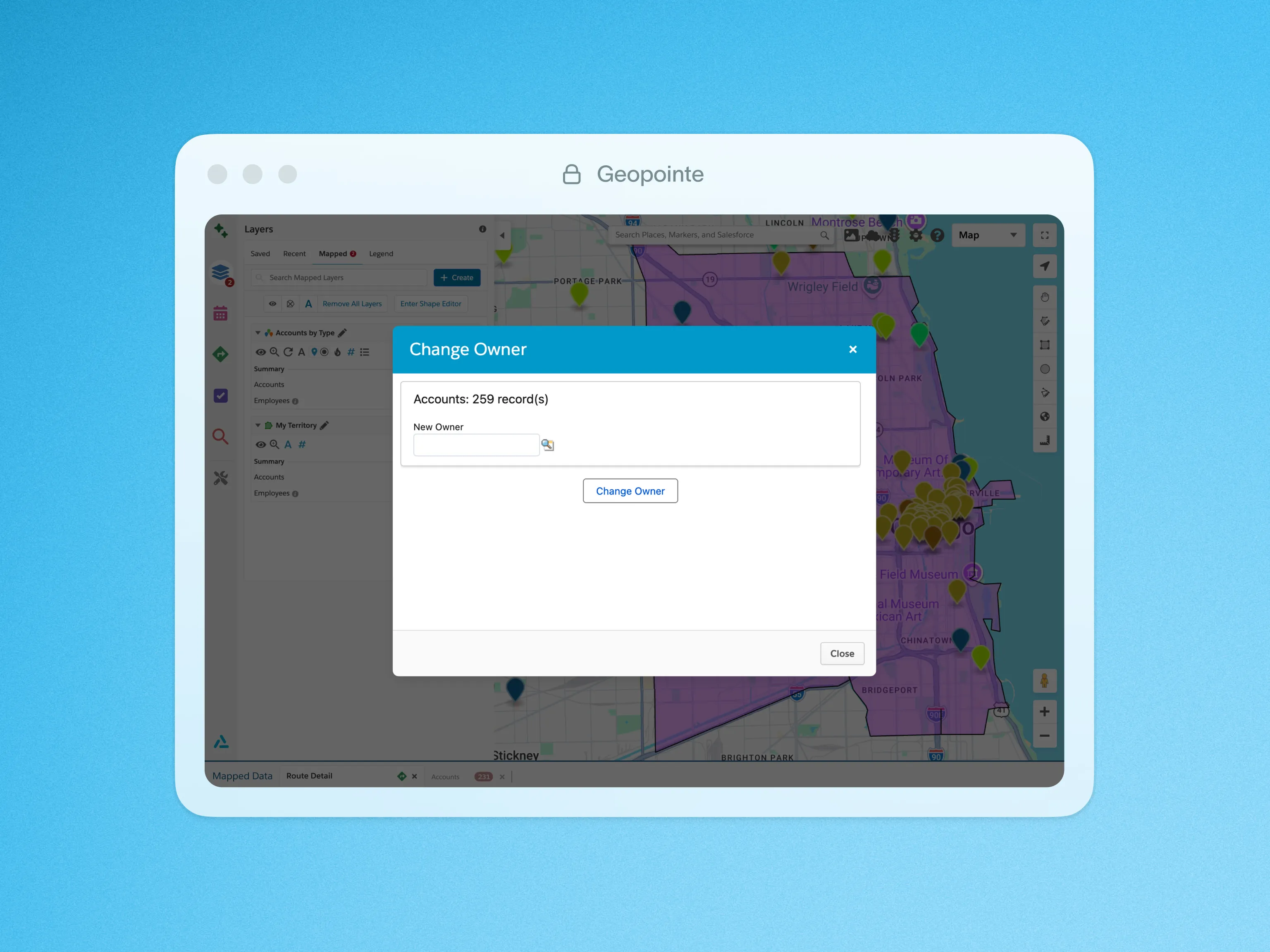
Change Owners
Quickly change the owner of one, some, or all of your mapped records with a few clicks.

Charting
Use interactive charts to analyze mapped data and spot trends without leaving the Geopointe interface.

Check In & Out
Log stop check-ins on mobile to confirm location, capture visit notes, and keep activity accurate.

Complex Filtering
Add another dimension to your data by mapping records based on their relationship with other objects.

Create Record
Create Salesforce records directly from the map using location data and nearby context.

CSV Layers
Import CSV files directly to the Geopointe Map, without standard Salesforce import method.
Data Table
Sort, filter, and update mapped records quickly so you can manage field activity without switching views.

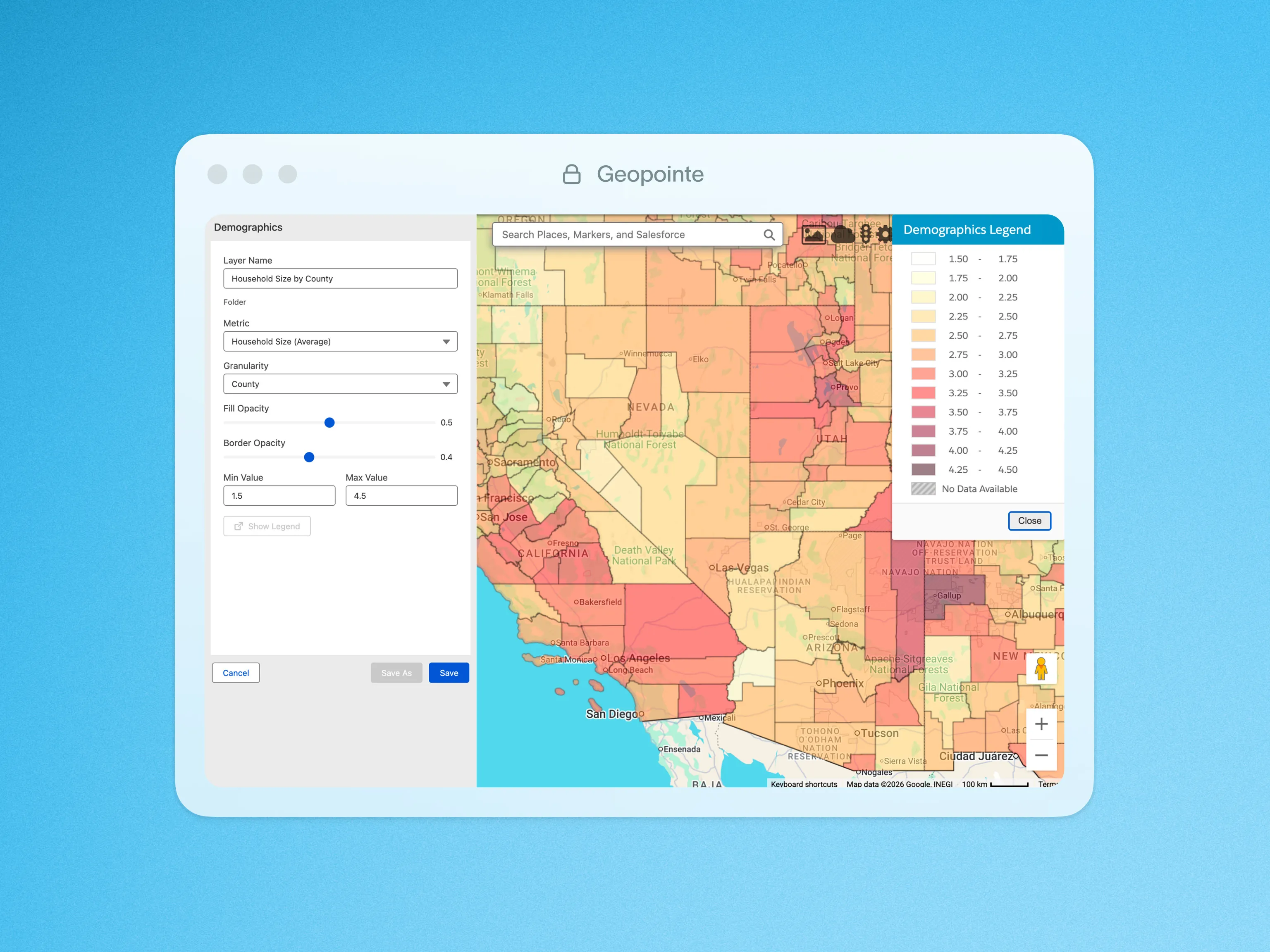
Demographic Layers
Using US Census data, gain a rich source of demographic data along with a deeper knowledge of a target market.

Exporting
Export your mapped results to CSV or KML file types using built-in actions.

Geocode Data
Automatically geocode Salesforce records with Google so every account is mapped accurately for routing and coverage.

Geographic Searching & Analysis
Geopointe helps locate any Salesforce data, anywhere in the world.

Google Places
Locate businesses and landmarks anywhere in the world with a quick search on the Geopointe map.

Heat Mapping
Create heat maps of numeric concentrations based on record count or any numeric field values.

Inline Editing
Update Salesforce records directly on the map while honoring Salesforce permissions.

KML Layers
Add KML, KMZ, or GeoRSS layers to overlay external data directly on the Geopointe map.

Lightning Ready
Geopointe supports the Salesforce Lightning Experience with Lightning Components.

Lists
Organize accounts and prospects into working lists so planning visits and follow-ups stays simple.

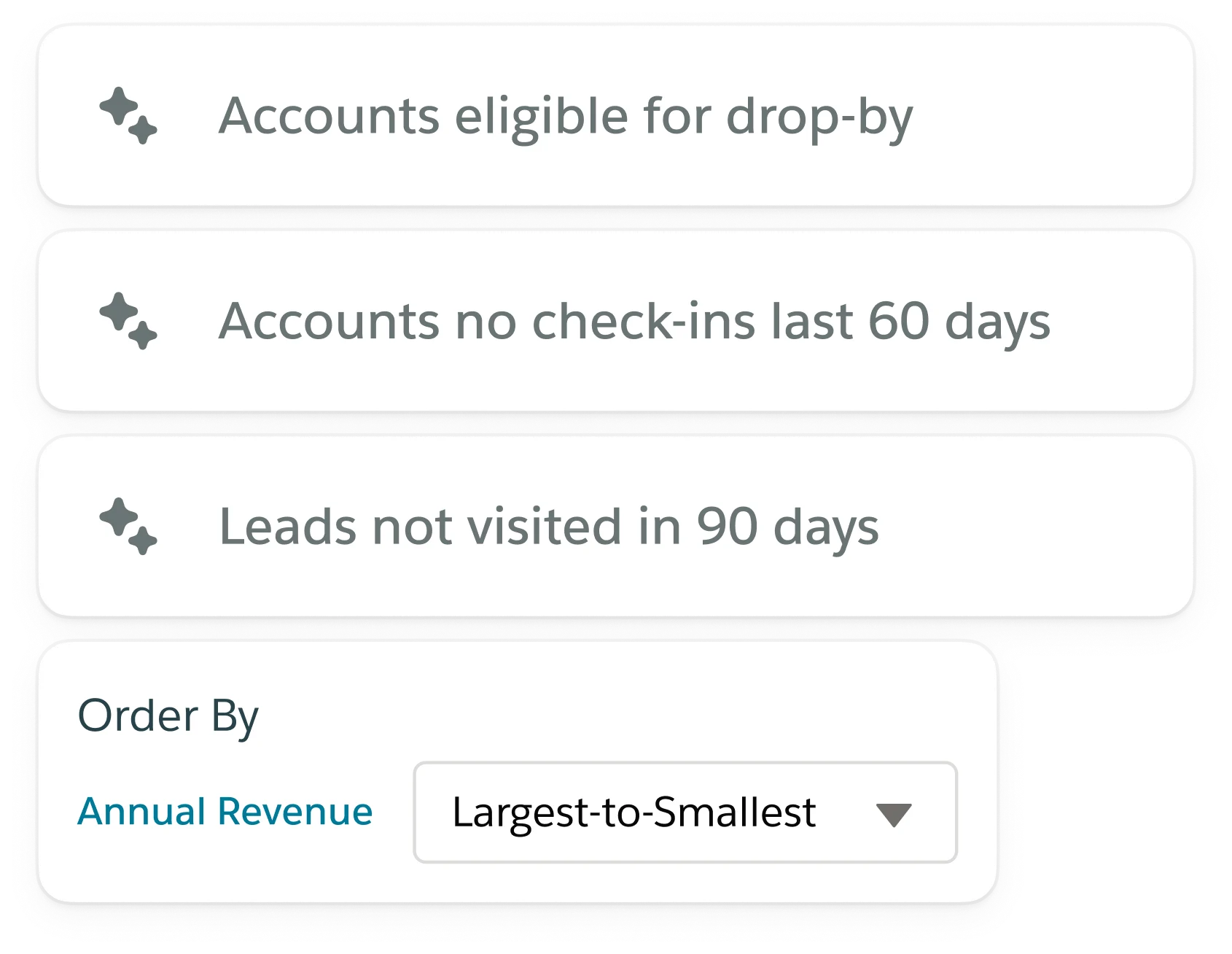
Map Recommendations
Surface nearby opportunities automatically so you never miss high-value accounts in the field.

Marker Customization
Customize map markers by color, shape, labels, or custom images to match your workflow.

Mass Update
Simply update a field to a specified value for mapped records at once.

Mobile Preferences
Choose your preferred navigation app, or launch Uber or Lyft, so reps get to each stop faster.

Number Aggregate
Instantaneously get dynamic metrics for any Currency, Number, or Percentage fields in your data set searches.

Route Recommendations
Get suggested stops based on location and data so every trip supports pipeline and coverage goals.

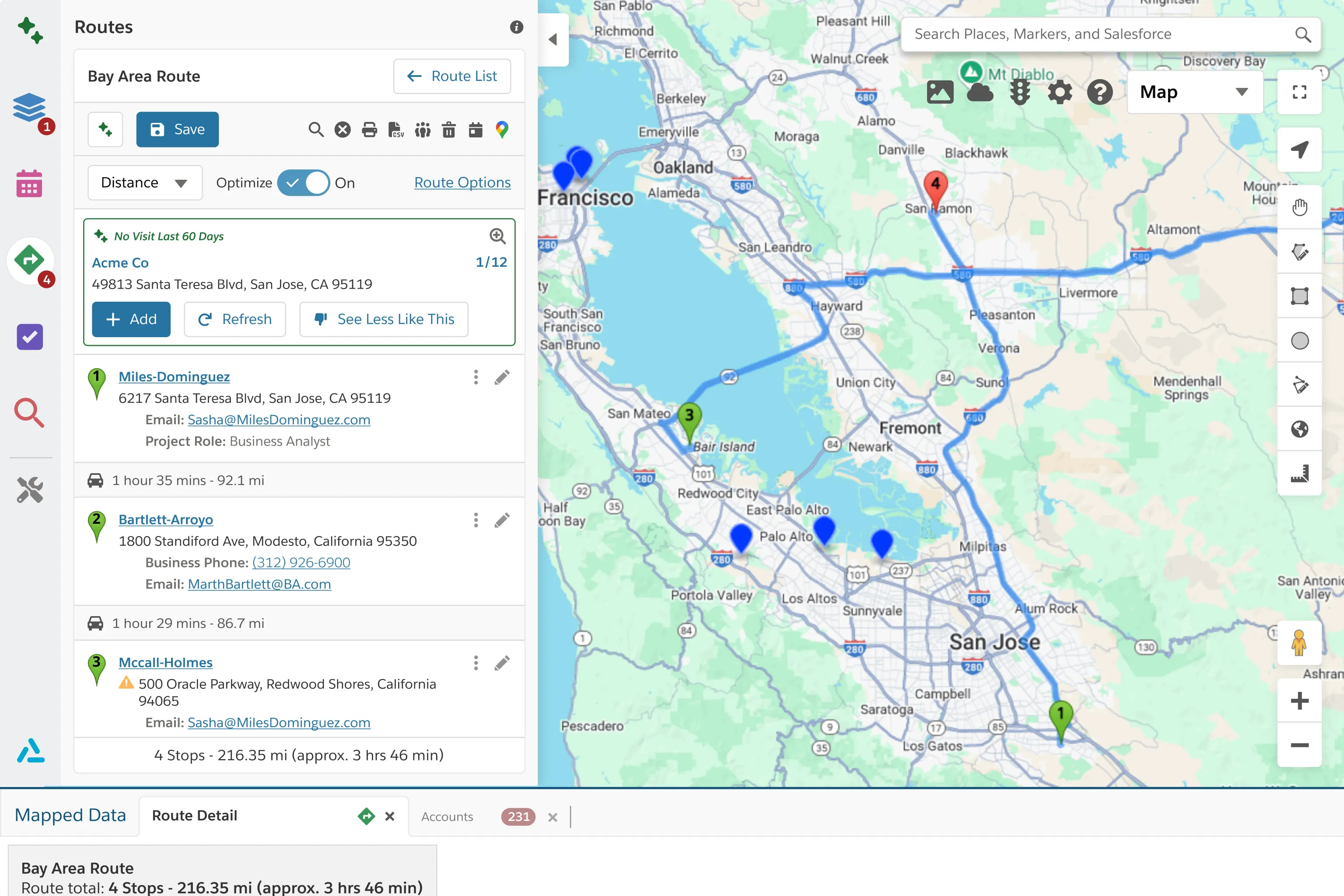
Routing & Optimization
Build optimized routes automatically so you visit more accounts without increasing travel time.
Salesforce Mobile Ready
Access maps, routes, and account data on mobile so you can stay productive between visits.

Shape Editor
Visually build territories using the Geopointe Shape Library, and use geographic insight to manage them.

Shape Library
Create accurate shapes from rich boundary data and reuse them across territories, routing, and field workflows.

Thematic Mapping
Roll up metrics by territory boundaries so you can spot trends and compare regions at a glance.

URL Parameters
Trigger actions via URL parameters so workflows launch instantly when Geopointe loads.

Visual Shape Editor
Create shapes from predefined boundaries utilizing Geopointe’s powerful visual editor.
Built to stand alone.
Designed to work together.
When Territory Planner, Geopointe, and LevelEleven work together, planning decisions flow directly into field execution, and performance data feeds back into smarter decisions.
Plans impact the field, execution signals become coaching, and performance changes flow back into strategy

"Google Maps is the standard, so imagine our surprise when we found an app that works five times better for all things mapping. I struggle to imagine a way it could be any better."
Connect Ascent Cloud to the systems you already run on.
Sync the data that powers planning, field execution, and performance management so teams stay aligned, without rebuilding your GTM stack.


.png)
.png)

.png)



