.png)


.png)


October 8, 2026
About Ascent Cloud's Fall 2026 Product Release

Steve Gravel
Head of Growth
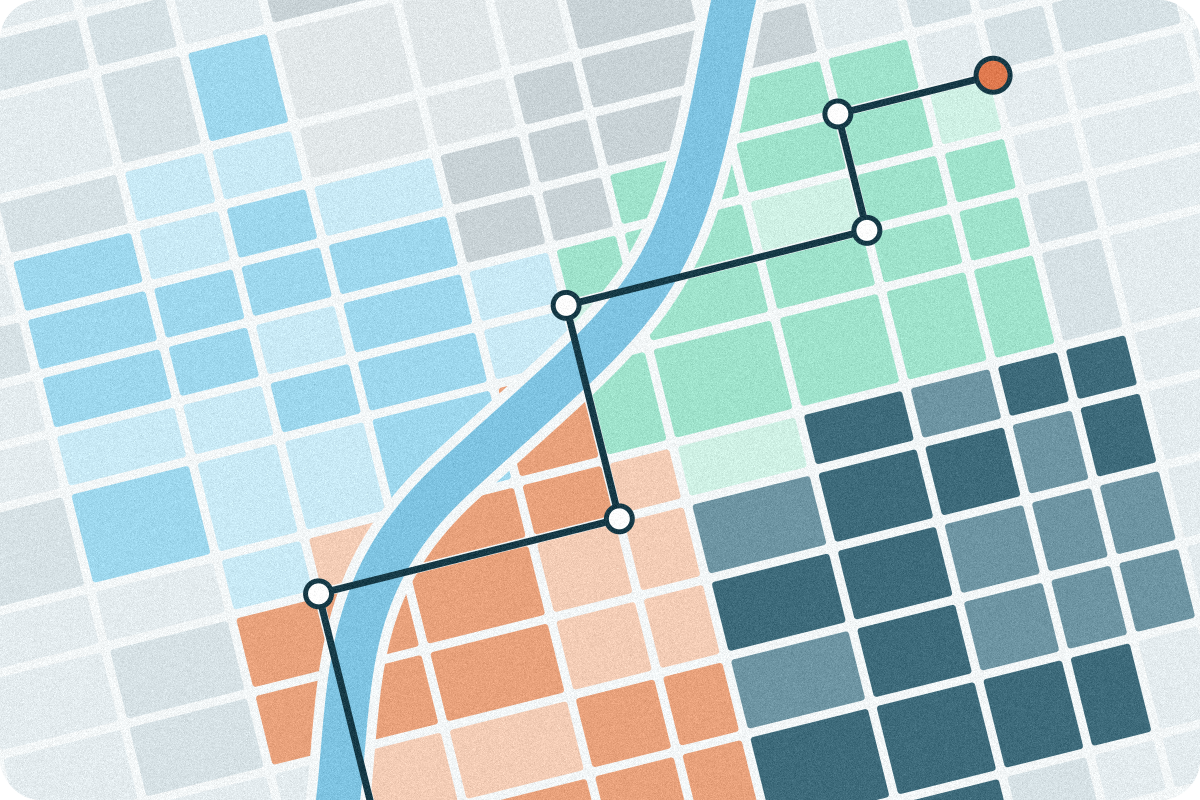
The 2026 Ascent Cloud Fall Release is here, and it's packed with third-party data integrations, new mobile interfaces, reimagined sales competitions, and more.
Read on to learn more about the updates available for Territory Planner, Geopointe, and LevelEleven.
Cross-Platform
- Integration support for Google BigQuery, MySQL, Qlik Cloud, and SQL Server. These integrations join existing integrations with Snowflake, Databricks, and PostgreSQL, giving orgs more opportunities to work with their preferred source of truth. This is available across Territory Planner, Geopointe, and LevelEleven; must have Insights.
Territory Planner
Quick wins
- See "under the hood" of Territory Optimizer. With Insights, it's now possible for users to flag data problems and preview or adjust territory changes before committing to a scenario. You can lock accounts in place, choose to re-run scenarios within the territories of your choice, and get plain-language summaries of how a territory distribution would change with your modifications.
- Data imports now live in Data Hub. You can upload a .csv file or connect to a third-party app within the same place (Insights customers only). You can also add to datasets at any time, which helps keep your data complete without having to start over with a new upload.
- Automatic Data Calcuations: When you create a Model, numbers from your data imports now automatically turn into Measures, so you no longer have to set each one up by hand. Fields can be added up and percentages can be averaged, and you can edit or remove any Measure you don’t need.
- Template Builder: It's now possible to build reusable hierarchy structures that others within your organization can use. This makes it easier for everyone on a team to work within the same territory structure.

Geopointe
Quick wins roundup
- It's now possible to use the full range of map actions on list items. For example, it's now easier to log a call, create a task, or assign a stop to a route, from any list item.
- It has now become easier to search for shape types and see your recent picks at the top.
- You can now see each Assignment Area’s filter status on the Assignment Plan overview screen, without having to open them one by one.
- Higher education customers can benefit from new Education Cloud support for mapping student interest and application records.
New Geopointe feature deep dive
- Recommendations on mobile: field reps can tap one icon to see their top priorities on the map, like high-value leads, then add them to a list, route or calendar right away (requires Insights).
- Smarter routes: reps can plan walking routes for neighborhoods or busy downtown areas, reverse the order of stops with one tap, and set a start or end address without reordering anything by hand. Sharing routes now happens inside Geopointe, and Experience Cloud users can share routes for the first time.
- Better calendar: tapping an appointment on mobile shows its address and quick actions. Users can also reschedule or delete any calendar event, including personal ones, without leaving Geopointe.

LevelEleven
Quick wins roundup
- Competitions can now award up to three winners instead of just first place.
- You can now filter Coaching Notes by manager to see every note a manager owns in one simple view.
- It’s now possible to print several Coaching Notes as a single PDF.
- Coaching questions can be marked private, so you decide whether reps can see a manager’s answers.
- Competition pages now show start and end dates to everyone taking part, not just people with edit access.
New LevelEleven feature deep dive
- Redesigned mobile app: Scorecard, Coaching, Competitions and Trophy Case all work smoothly on a phone. Managers and reps can check performance, give Badges and create Coaching Notes and Action Items from anywhere.
- AI round recaps: after each Bracket round, one click creates a plain-language summary of who won and how everyone performed, so the whole team stays in the loop without digging through numbers (requires Insights).
- Bigger, fairer Brackets: Bracket competitions now work for any team size over eight, with "bye" rounds added automatically to balance matchups. Rounds can last as long as you want (instead of the fix seven days). Championship ties now go to a sudden-death round instead of being decided at random.
For a live demonstration of these features, and an opportunity to ask questions, sign up for the Fall Release Webinar.