.png)



.png)



Publish to Geopointe
Publish finalized territory models to Geopointe in one action so reps can execute immediately.
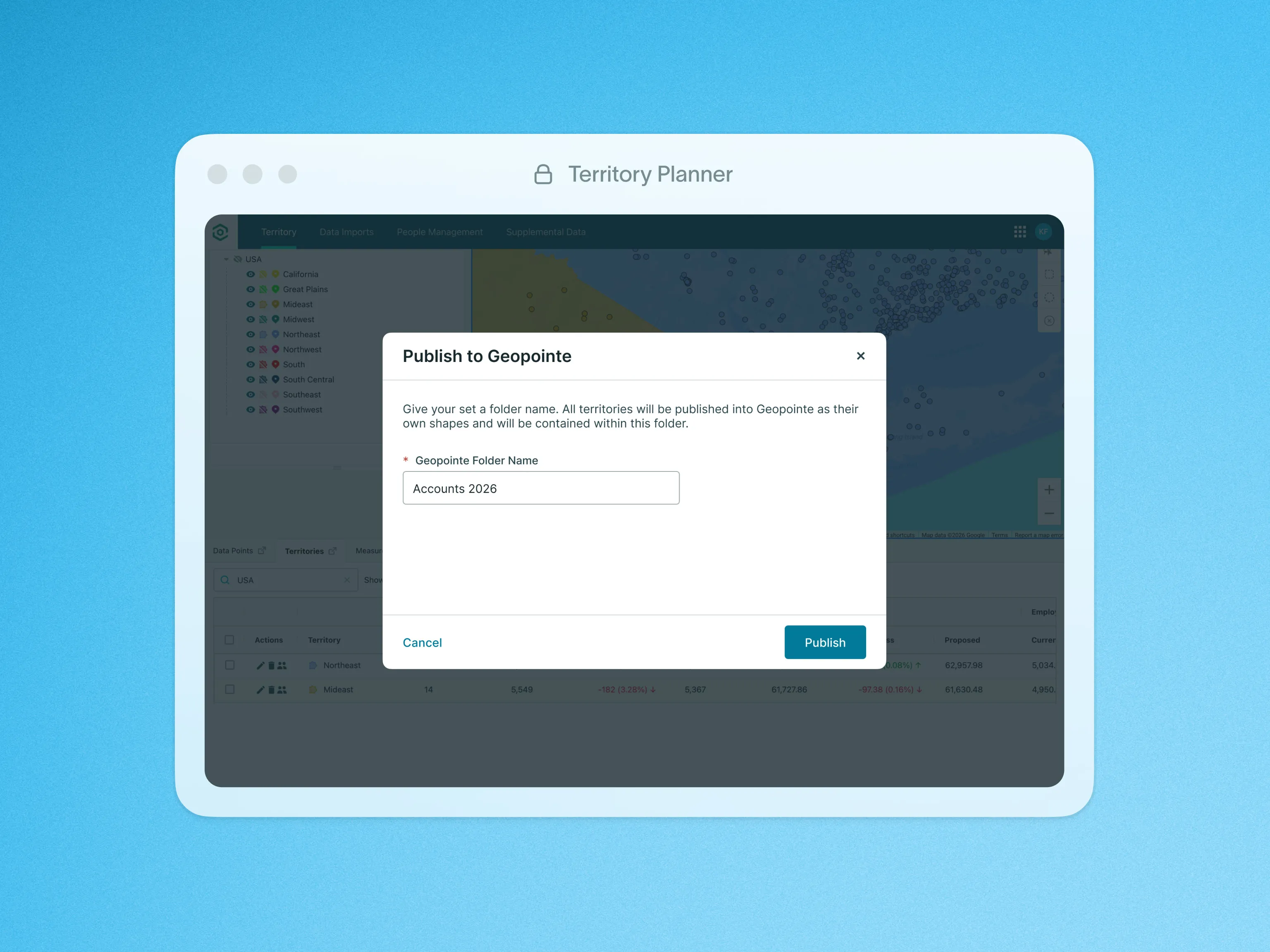
Once you’ve finalized your sales plan, you can use the ‘Publish’ action to assign territories within your Salesforce CRM environment and activate them in Geopointe.
You can publish your entire territory model, including all associated territory assignments, directly to Geopointe. This tight integration eliminates the need for manual data entry or complex synchronization processes, saving you valuable time and reducing the risk of errors.
When publishing territory shapes to Geopointe, you can choose to either update existing shapes or create new ones. This added flexibility is especially valuable for users with shapes that are organized in specific folders or linked to Assignment Plans or Areas within Geopointe.
You have the flexibility to publish the entire territory model or selectively publish specific territories, allowing you to align your go-to-market strategy with your unique business requirements. By leveraging the “Publish to Geopointe” feature, you can ensure that your sales teams operate within the optimized territory structure, enabling better sales coverage, resource allocation, and overall operational efficiency.
To learn more about the Publish to Geopointe feature, visit our help site.