.png)



.png)



Import Geopointe Data Sets
Sync Geopointe Data Sets into your territory models so plans and field execution stay aligned.
Oops! Something went wrong while submitting the form.
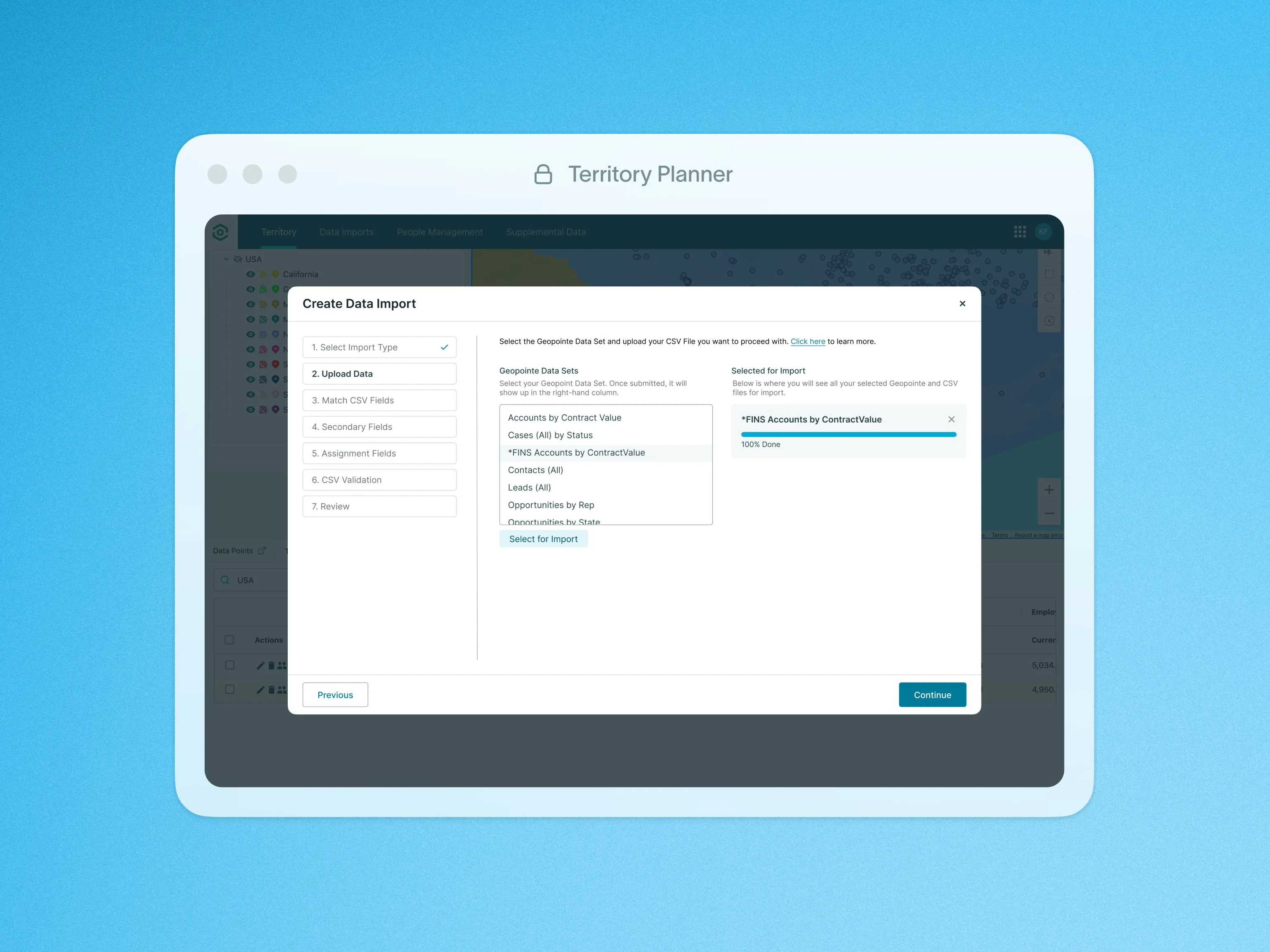
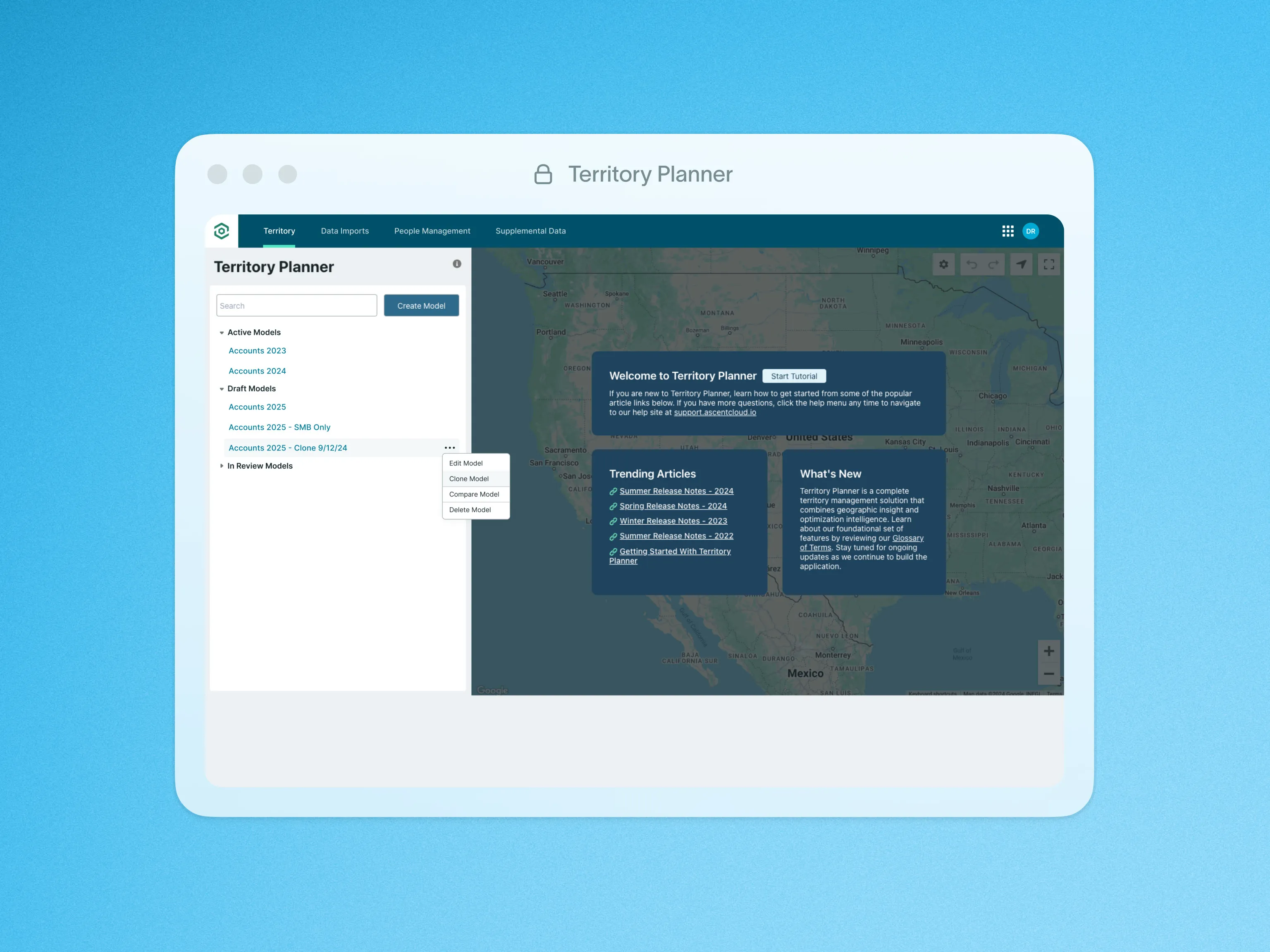
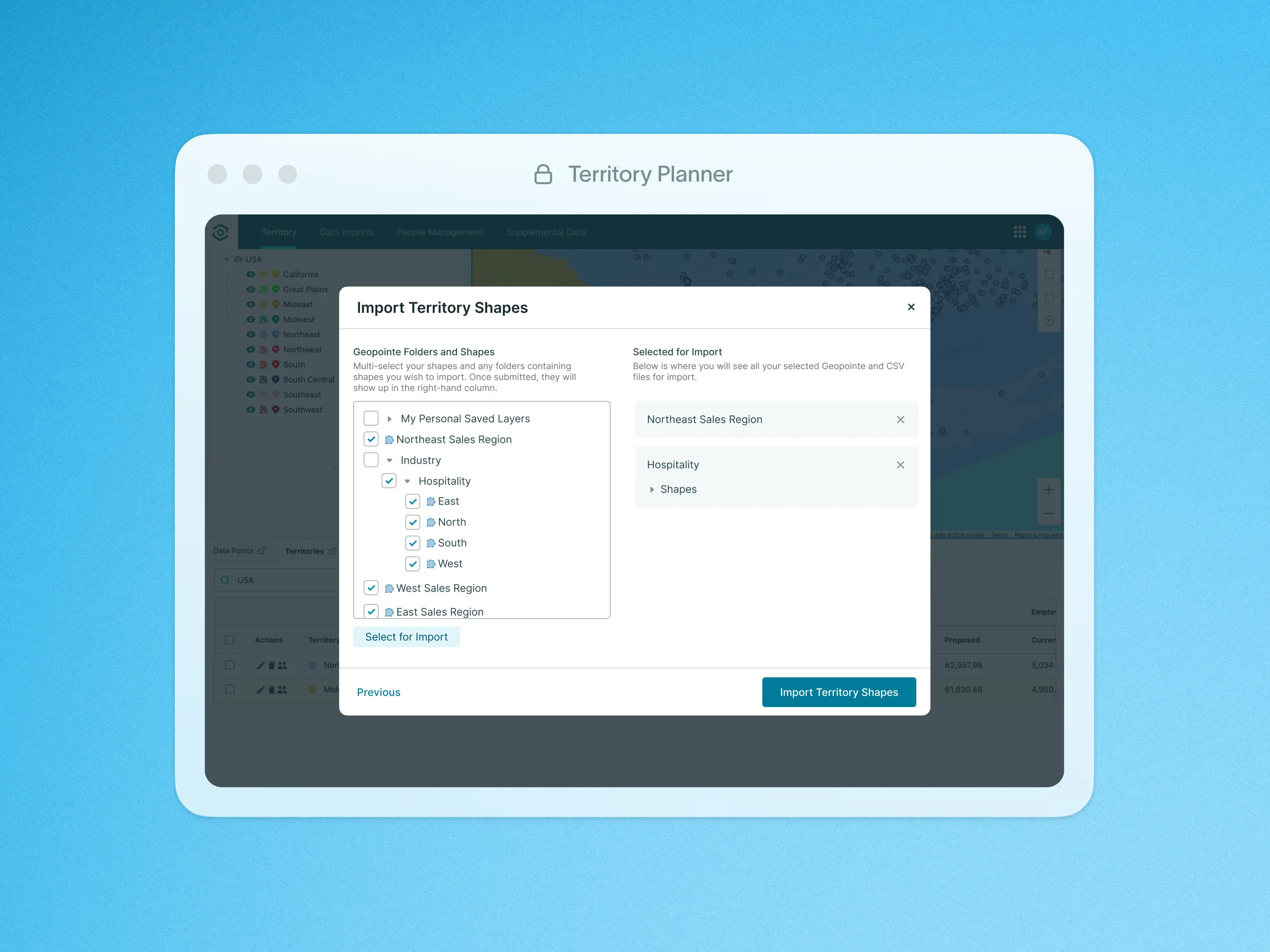
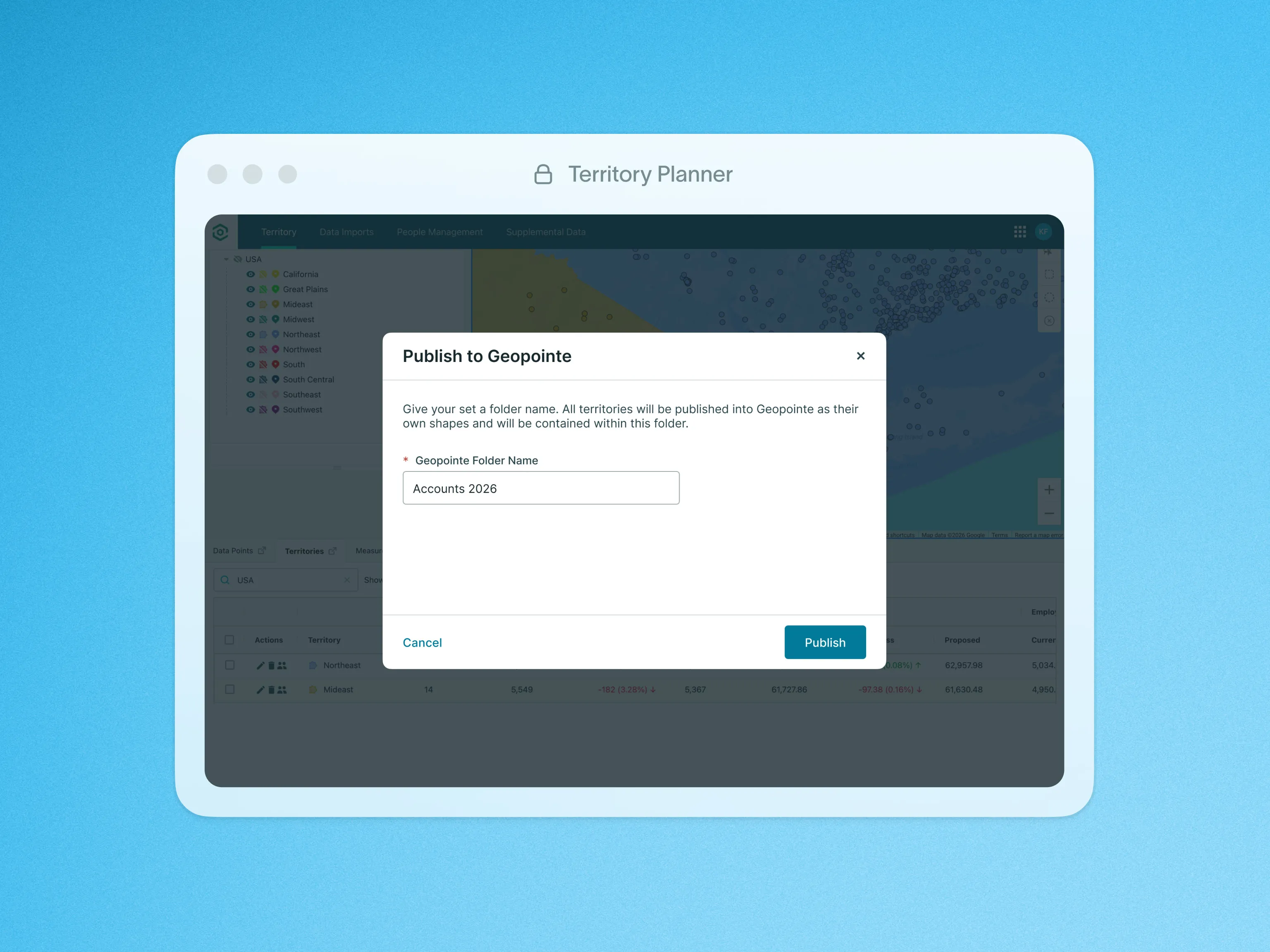
Our sales planning tool seamlessly integrates with Geopointe, making it easy to import your data sets directly from your Geopointe territory models to your execution plans.
This feature automatically includes all necessary ID and geographic fields, along with any additional fields from your data sets, ensuring a smooth and efficient data transfer.
The integration allows you to easily collect, filter, and assign records, optimizing your territory management and enhancing your overall planning and execution process.
To learn more about Geopointe Data Import, visit our help site.

Features