.png)



.png)



Data Import
Bring external data together in one place so you can plan territories using a complete, accurate view.
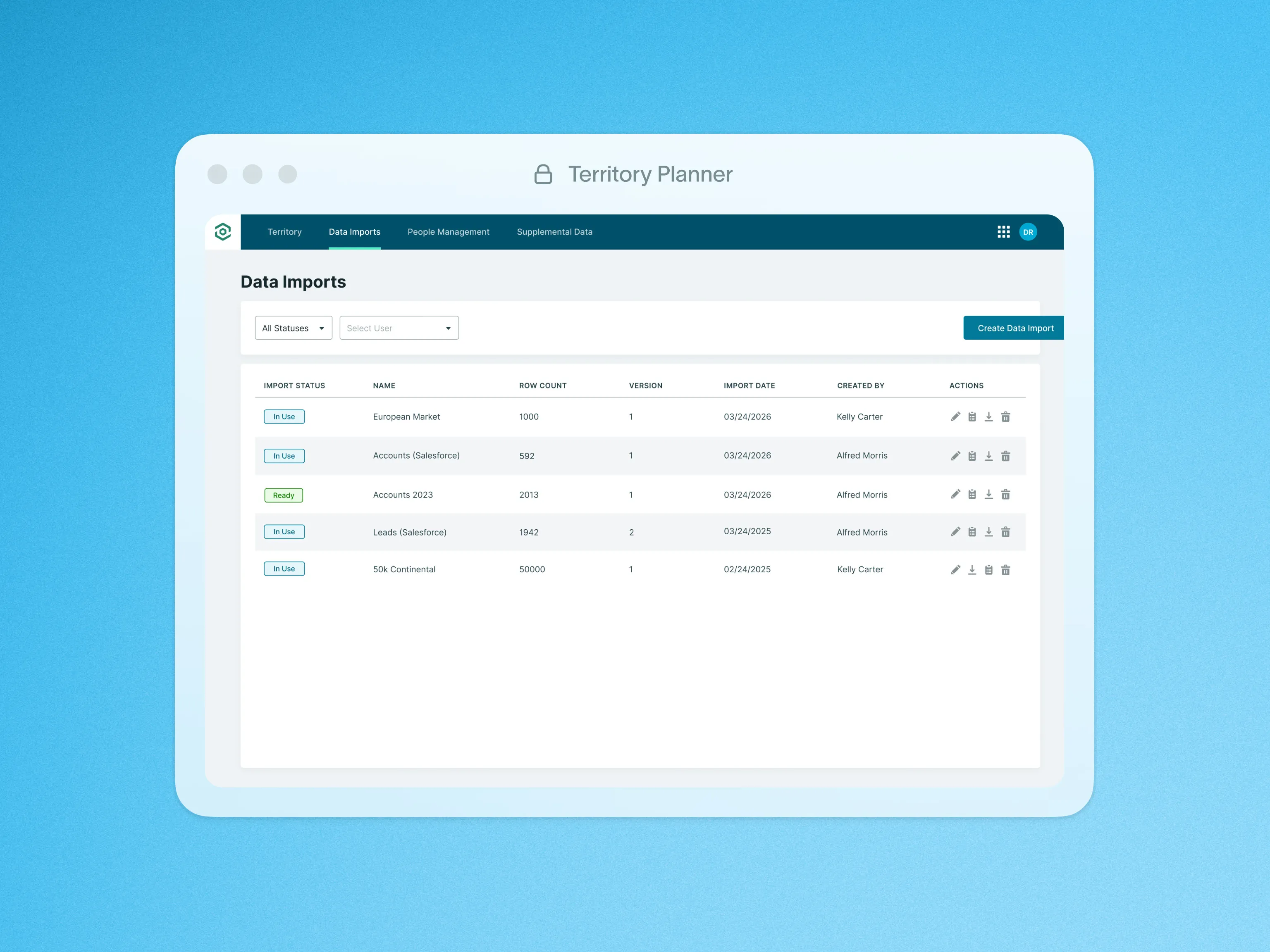
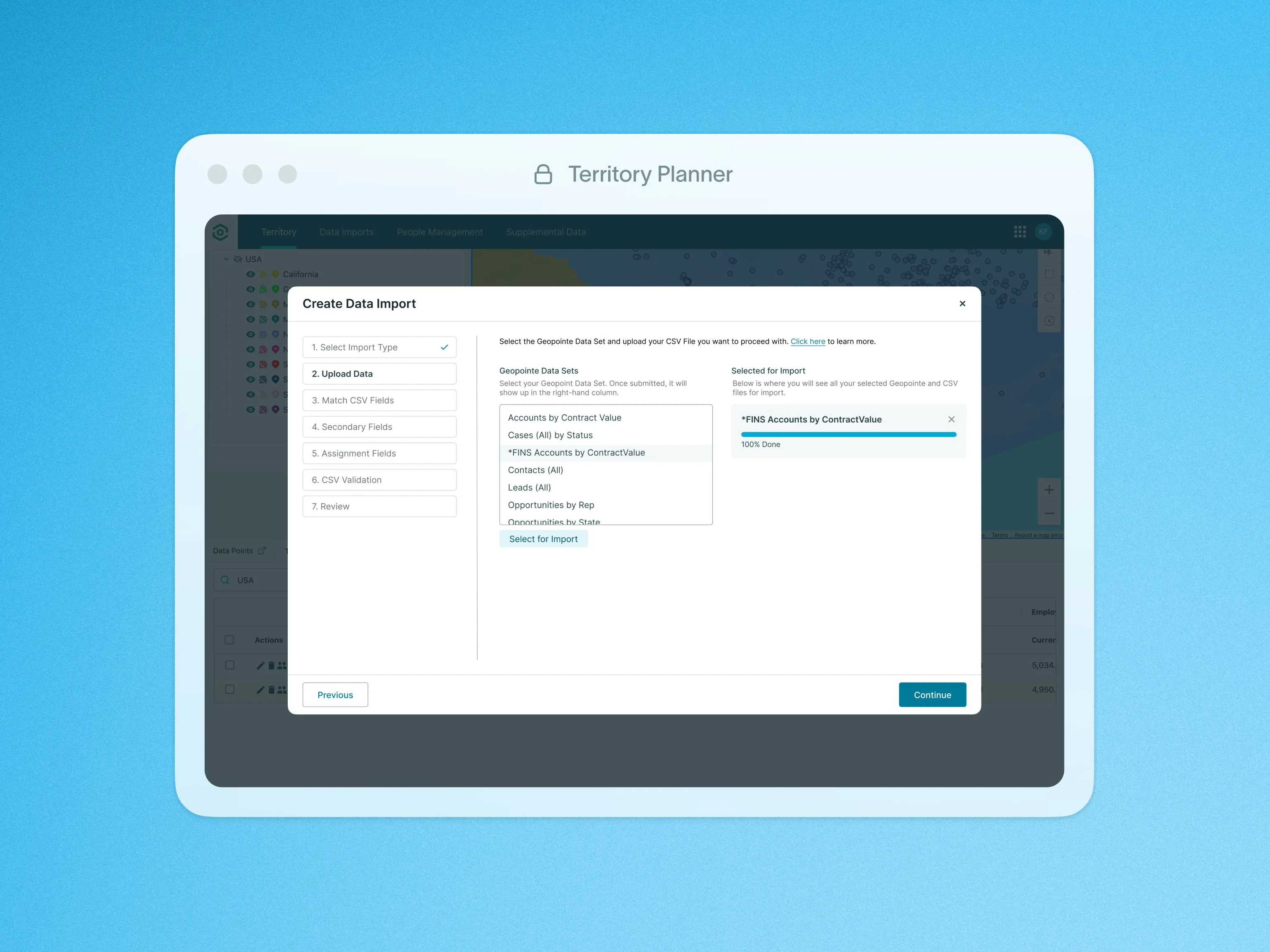
Use Territory Planner’s Data Import to combine external data sources, ensuring cross-compatibility. Whether you choose to import your records as a CSV or directly from Geopointe Data Sets, the process is straightforward and efficient.
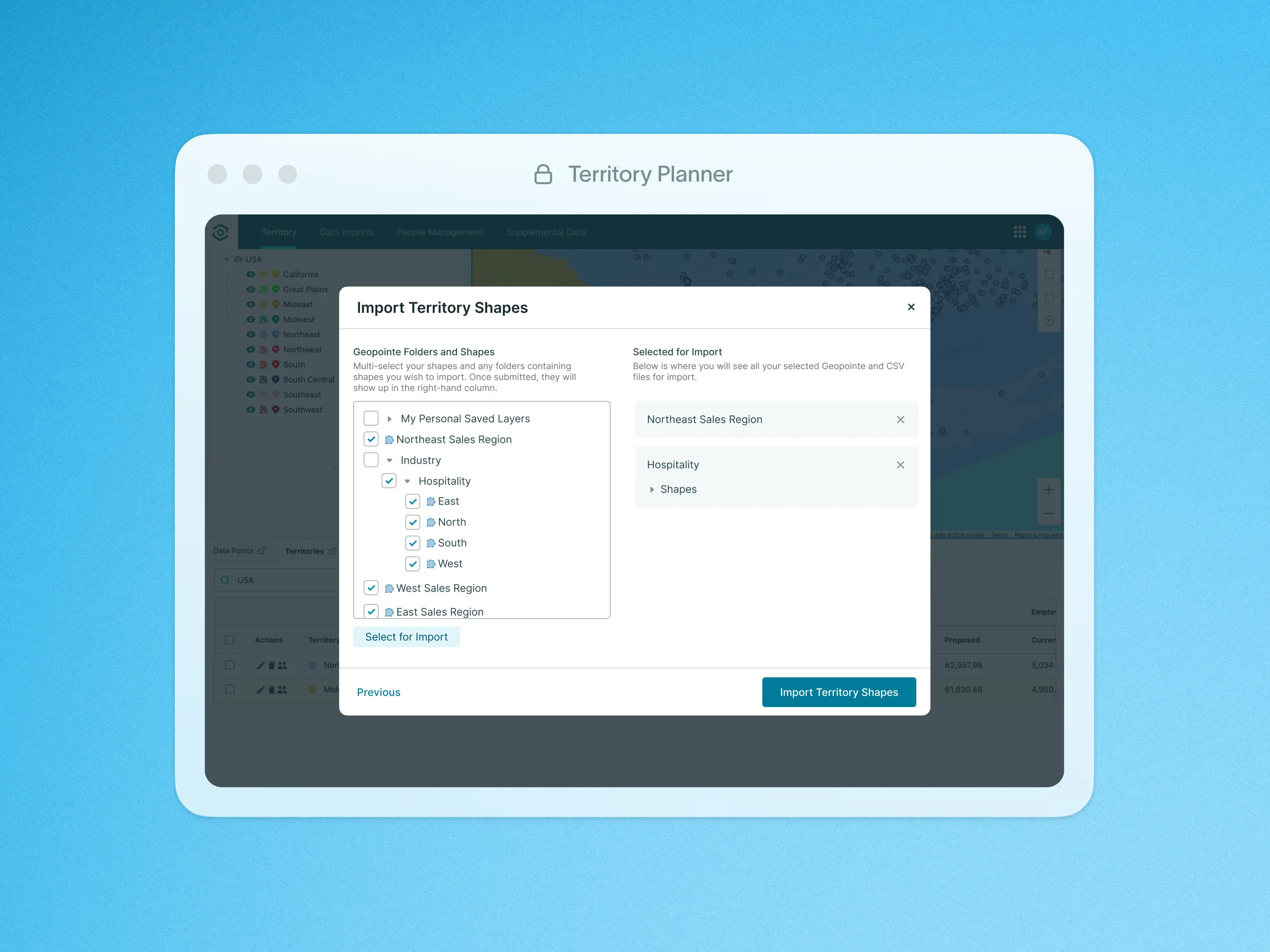
We will honor assignment fields like Owner and Territory to automatically build territories based on your imported record references. Even without location data, we will geocode using street addresses for comprehensive mapping. We will also Include secondary fields as numeric Measures to gain deeper insights and optimize territories effectively.
Upon Import, our system validates data accuracy, providing an error list. This ensures integrity for smooth utilization across any number of Model Sets, offering flexibility and efficiency in territory management.
This tool enables you with seamless data integration, automated territory building, comprehensive location mapping, insightful metrics, data validation, and flexibility to align with evolving business needs.
To learn more about Data Import, visit our help site.