.png)



.png)



Export Territory Model to CSV
Export territory data easily so plans move smoothly into forecasting, operations, and execution workflows.
Oops! Something went wrong while submitting the form.
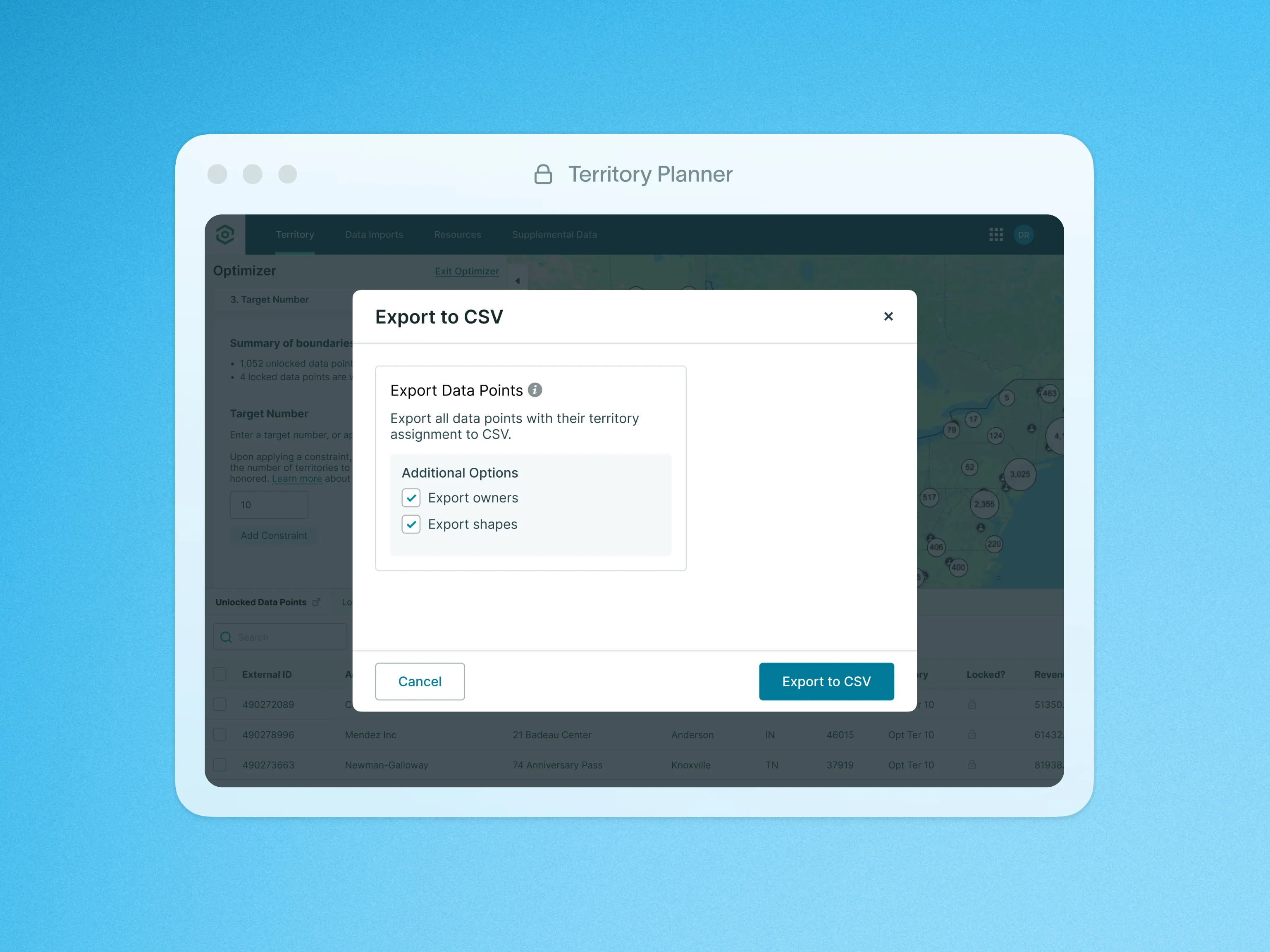
The Export to CSV action generates a CSV file of relevant data from your Territory Model. This includes your Primary Data Points, the fields included in the model, the assigned territories, and the Assignee and Business Owner.
The flexible CSV format is supported by many systems, allowing you to fully integrate your optimized Territory Models into any system of record you use today. This will save you time and increase efficiency by reducing the need for manual data entry. By automating the data export process, you can ensure accuracy and consistency across all platforms.
For additional insights, please visit our help site.

Features