


.png)


.png)



Geopointe
vs
Salesforce Maps
Geoointe vs. Salesforce Maps
Geopointe delivers Salesforce-native functionalities with a best-in-class customer support team and a modern product roadmap

Thank you
We’ve received your message and a member of our team will be in touch shortly.
See customer results
Guides, insights & events












Top 3 reasons teams pick Geopointe over Salesforce Maps.
Geopointe stands out by connecting field execution to territory strategy, account prioritization, and performance outcomes.



“Every single person on my team wakes up and uses Geopointe on an almost-daily basis.”
See how Geopointe stacks up against Salesforce Maps.
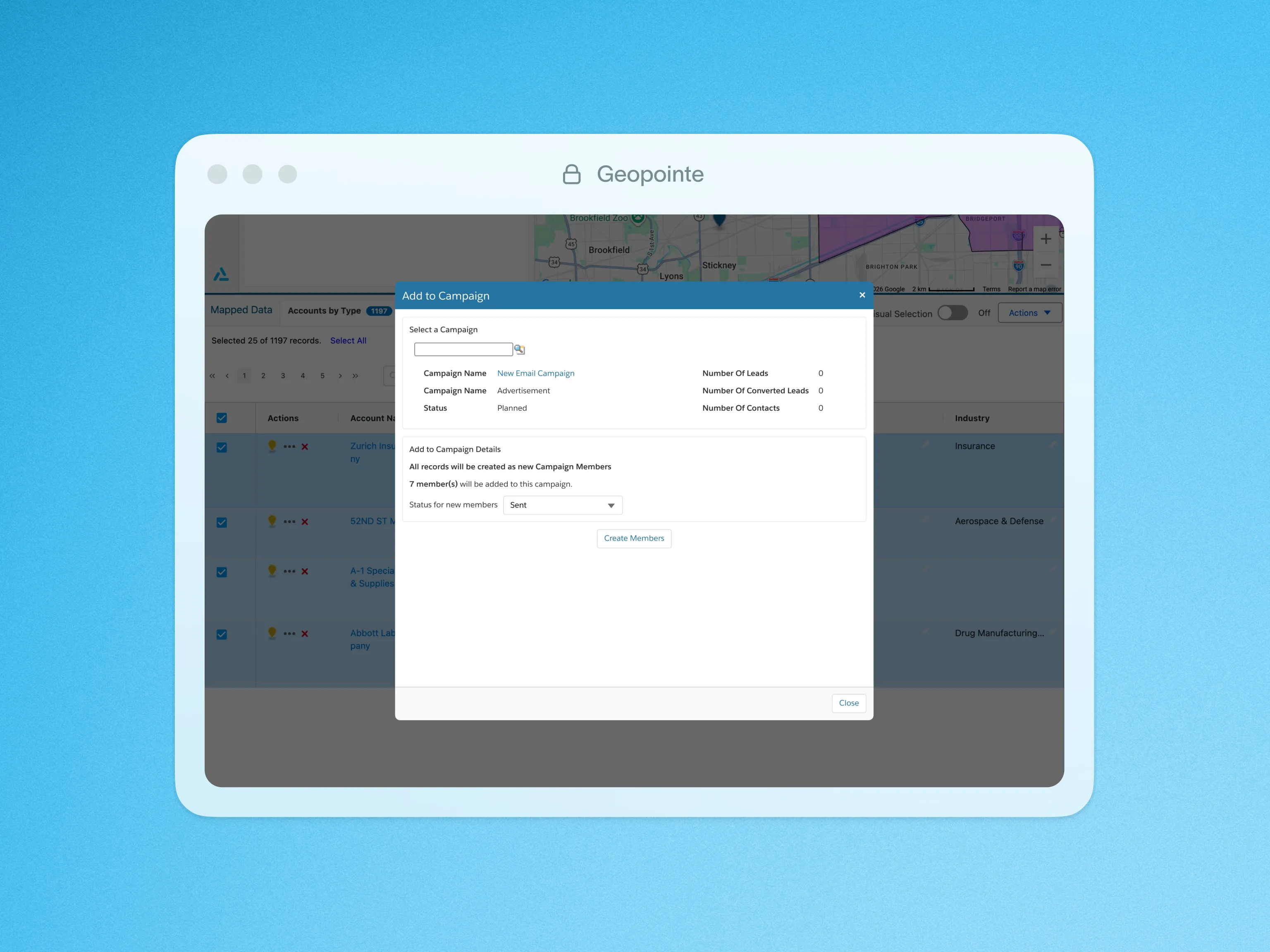
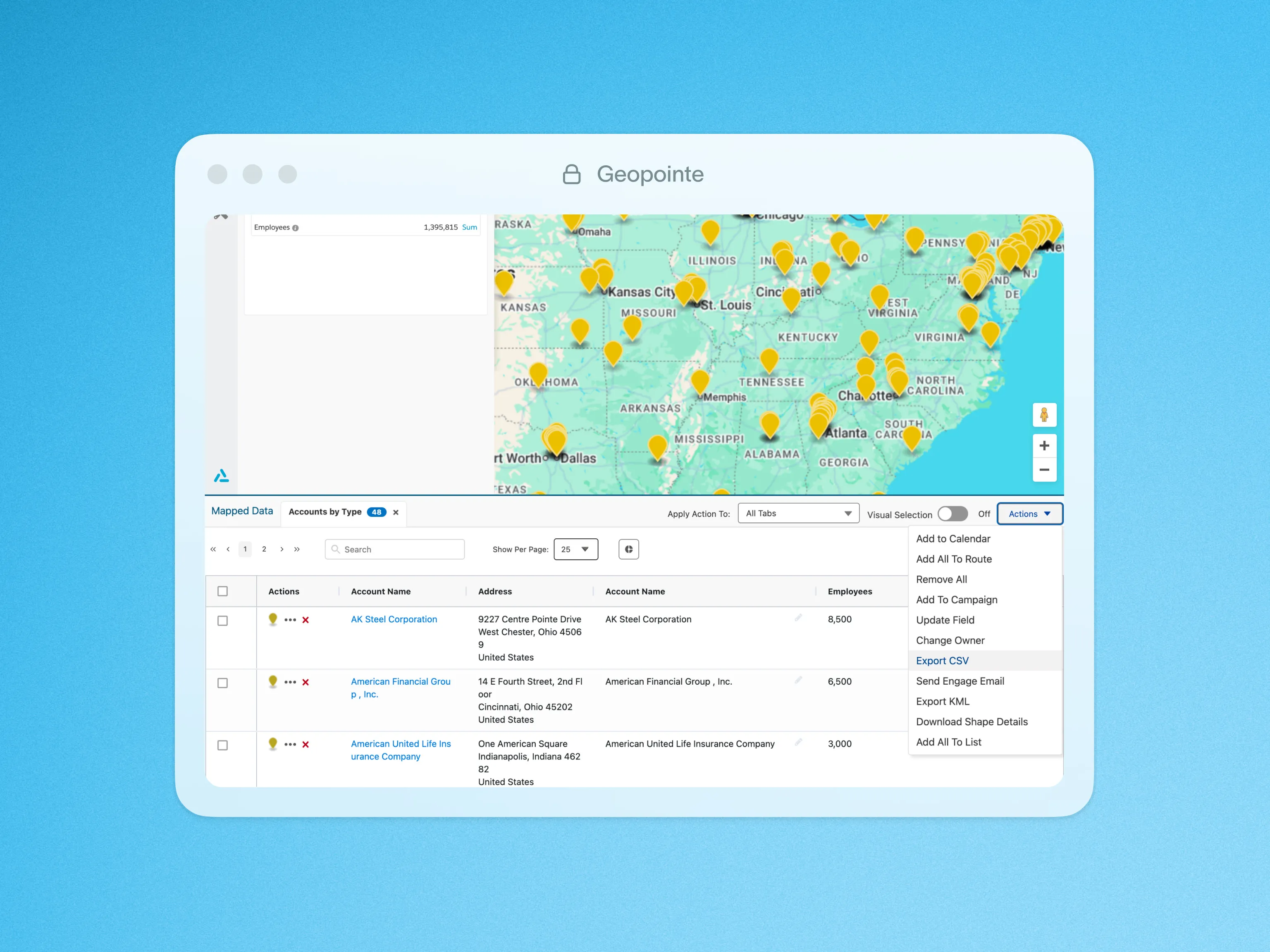
Compared with Salesforce Maps, Geopointe is part of a broader system for field execution, territory strategy, and performance management.



Salesforce native
Works natively with Salesforce data inside the CRM environment.


Route optimization
Helps field reps build efficient travel routes and daily plans.
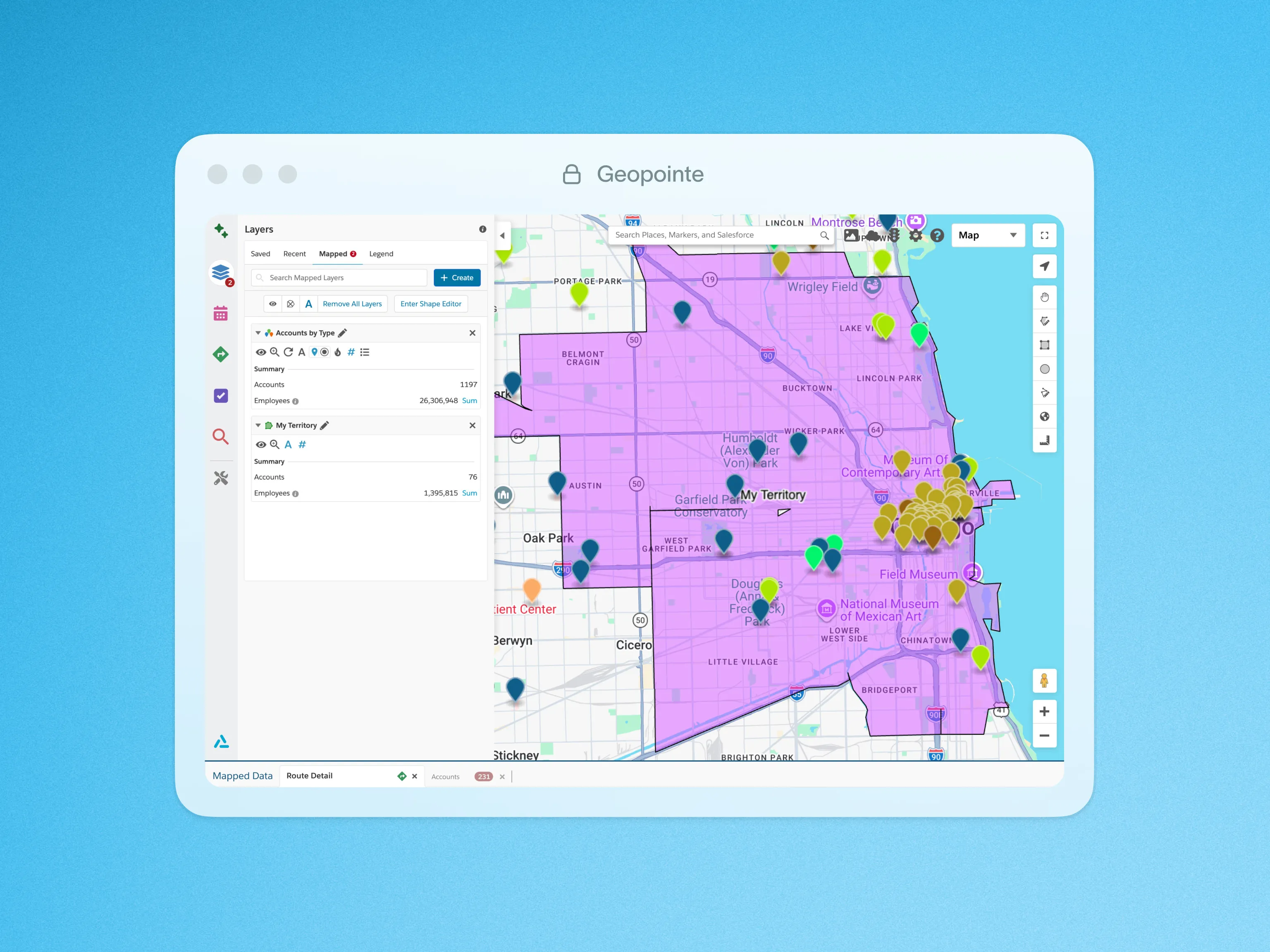
Geographic data visualization
Displays CRM data geographically to support field planning and coverage decisions.
Connected to territory planning
Links field execution to territory design and coverage strategy as part of a broader workflow.

Connected to performance management
Ties field activity to coaching opportunities, leading indicators, and performance outcomes.
Trusted by sales leaders to turn execution into outcomes.
From RevOps to frontline leaders, we help organizations plan smarter, execute faster, and grow performance.
Increase in sales productivity
“You can set up a contest in minutes. And that, to me, was huge. Working in a big company, things sometimes can take a long time to get done.”




Uptick in sales call conversions
“We use Geopointe to name drop current customers in a prospect’s area while we have that prospect on the phone – call conversions are up 50%.”



Reduction in marketing campaign costs
“Every single person on my team wakes up and uses Geopointe on an almost-daily basis.”



“LevelEleven is an incredibly effective way to refine performance and maintain team morale.”




Increase in conversions




hours/week saved
"With Geopointe, our reps save 20 hours a week on territory planning—it’s completely changed how we operate in the field."



Questions? Answers.
Your most frequently asked questions, all in one place. If you don’t see what you need, book a call here.
Geopointe focuses on turning Salesforce account data into practical territory and routing workflows for field teams. Salesforce Maps is a Salesforce-native mapping and scheduling product. Both support field execution, but Geopointe is purpose-built around GTM territory workflows.


Geopointe is designed for hands-on territory creation and management tied to how teams actually cover accounts in the field. Salesforce Maps supports territory visualization and visit planning, but territory administration often depends on how your Salesforce org is configured.
Both help teams plan visits from Salesforce data. Geopointe emphasizes account prioritization and field routing workflows that help reps focus visits and reduce wasted drive time, especially for high-volume account lists.
Salesforce Maps operates inside the Salesforce ecosystem. Geopointe is built for Salesforce-centric workflows and is commonly deployed in Salesforce-first environments, helping teams execute with CRM-aligned data and controls.
Geopointe is built to make field activity and coverage easier to see and manage from CRM data, so leaders can spot gaps, missed coverage, and territory friction without relying on manual tracking.
Looking for something else? info@ascentcloud.io

