.png)



.png)



Data Import
Import external data into LevelEleven to complete performance views and reporting.
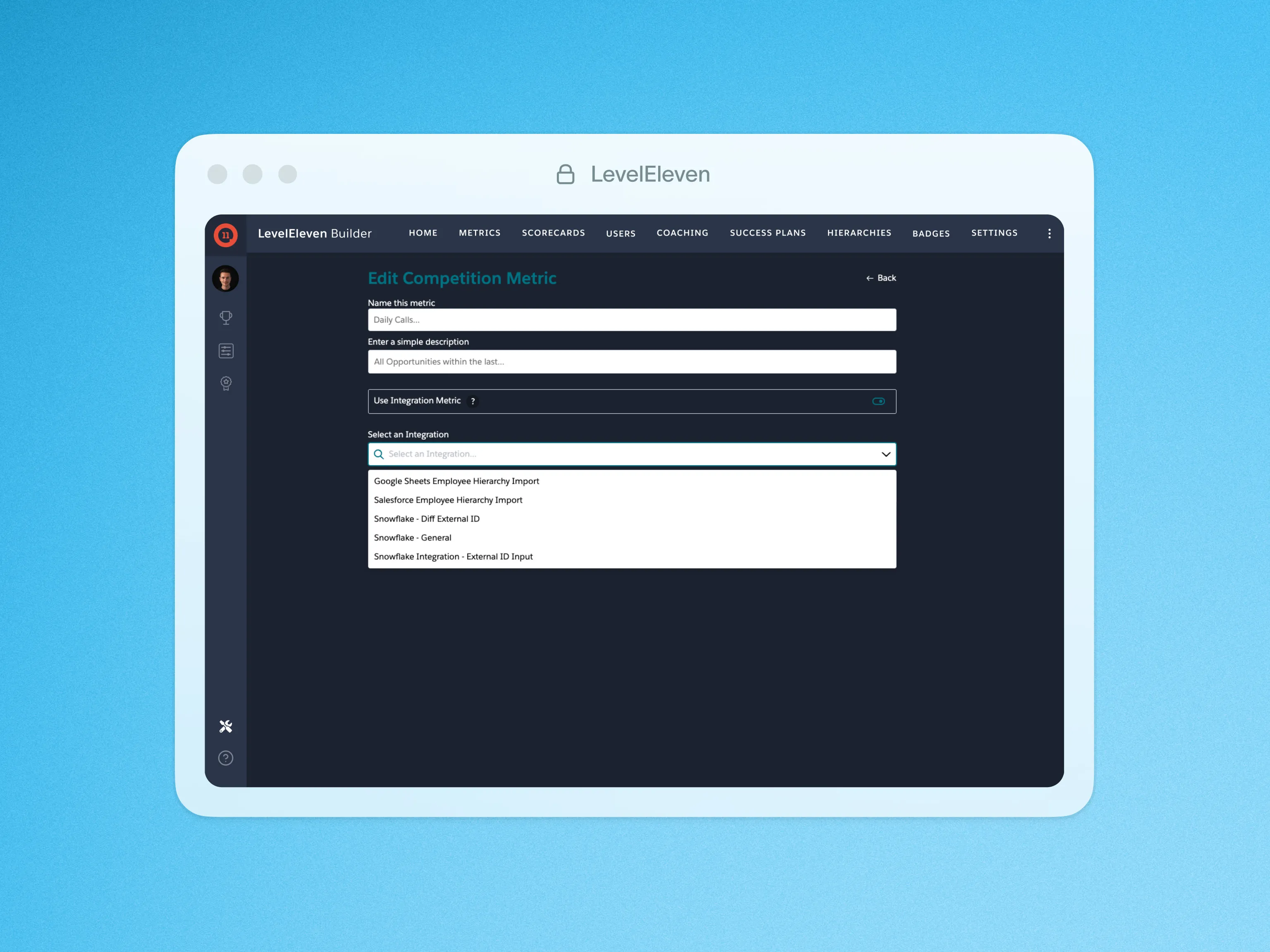
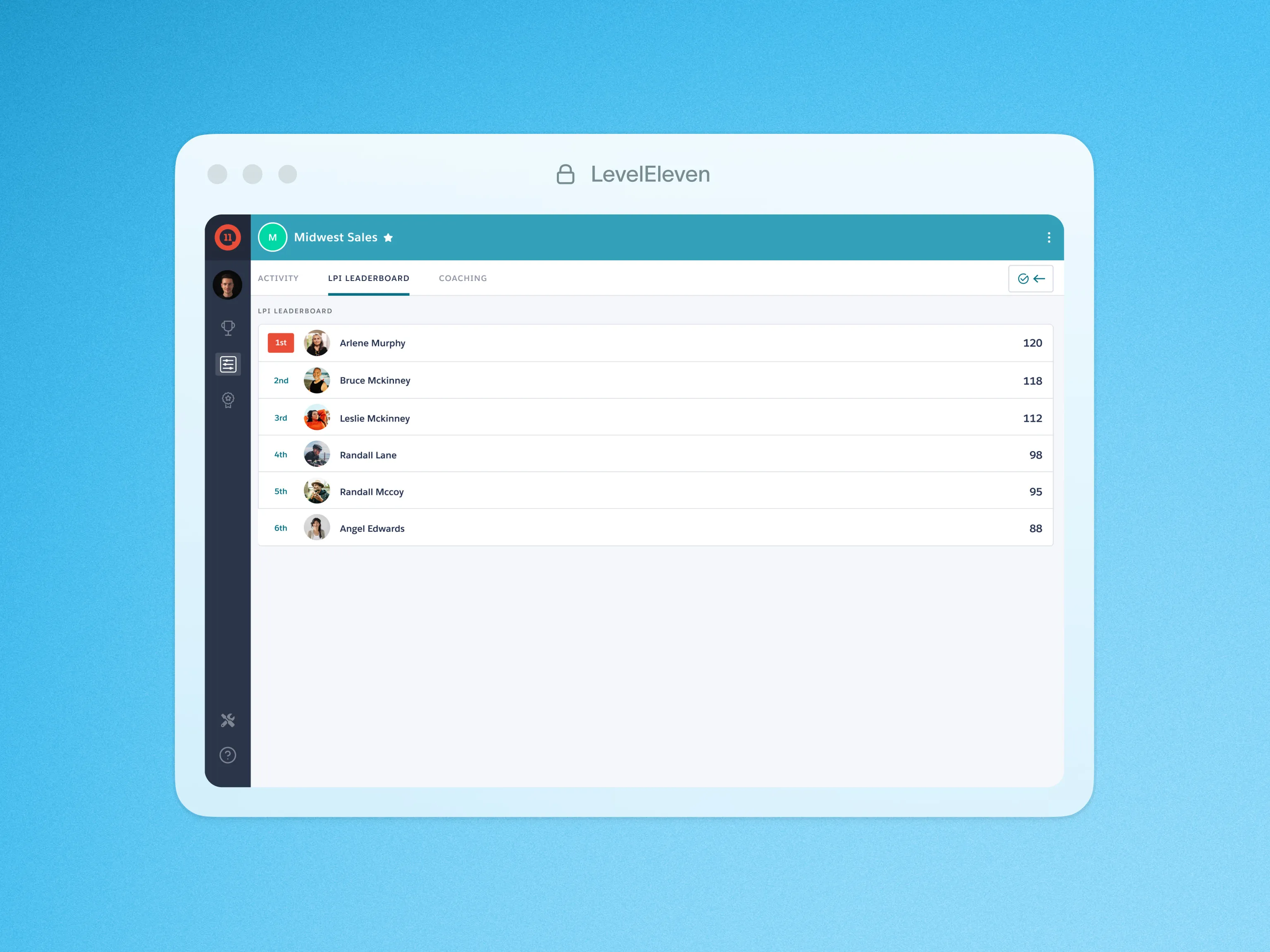
Import your external data directly into LevelEleven and build a complete picture of your team’s performance. Simply enter your data in the CSV template, import it directly to Salesforce, then bring the data to life in Performance Scorecard.
You can then use filters to distinguish and track the data according to your needs. This is useful if you want to track external data, like a call log or special transactions that your organization doesn’t track in Salesforce, without the extra work of managing it as a Salesforce object.
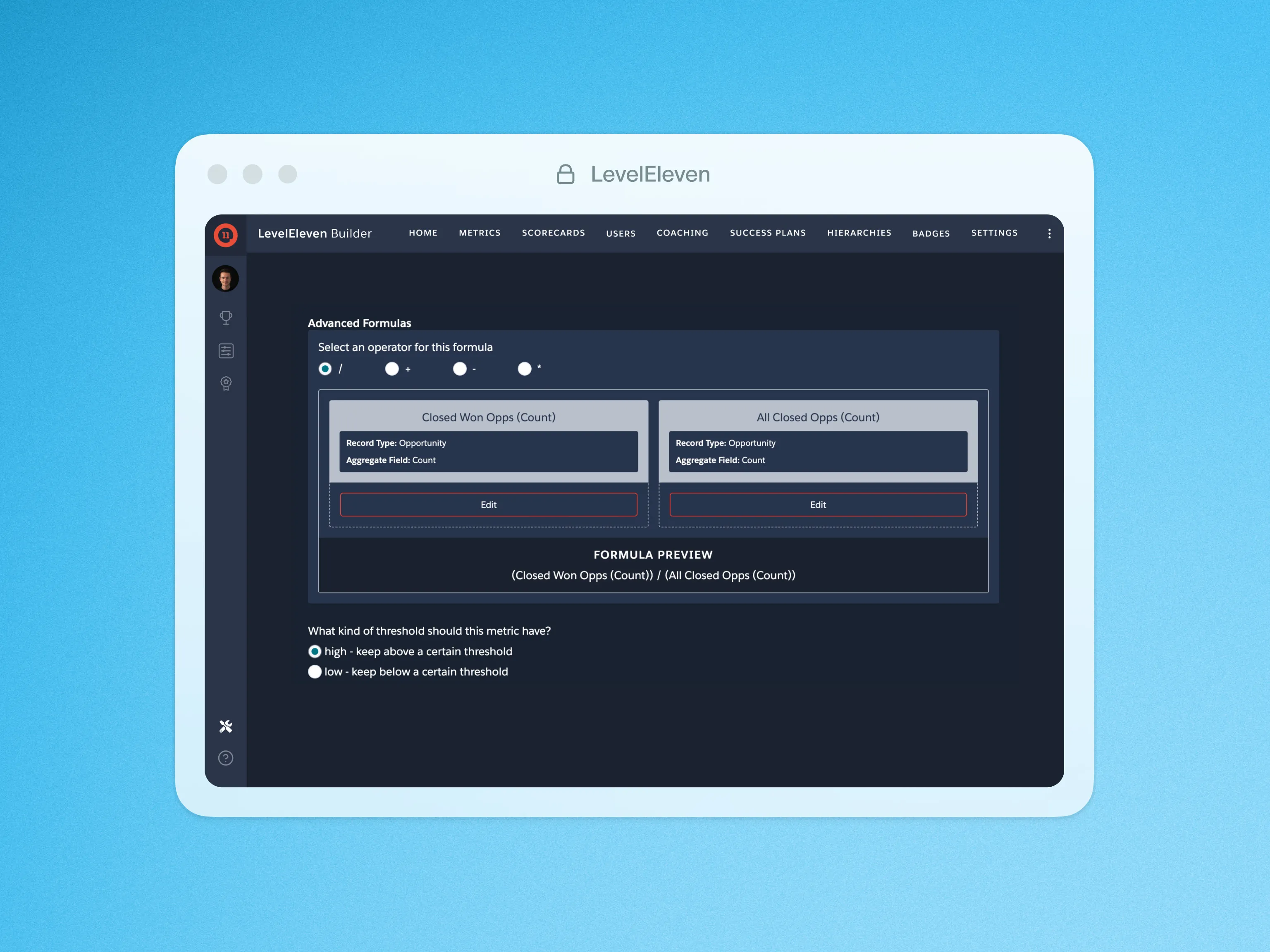
By bringing external data into LevelEleven, you can centralize everything sales and revenue leaders need to motivate and coach their teams inside of Salesforce. You can also unlock valuable insights with Conversion Insights and Advanced Formula Metrics to see where your team needs to focus going forward.