


.png)



.png)



Salesforce Mobile Ready
Access maps, routes, and account data on mobile so you can stay productive between visits.
Oops! Something went wrong while submitting the form.
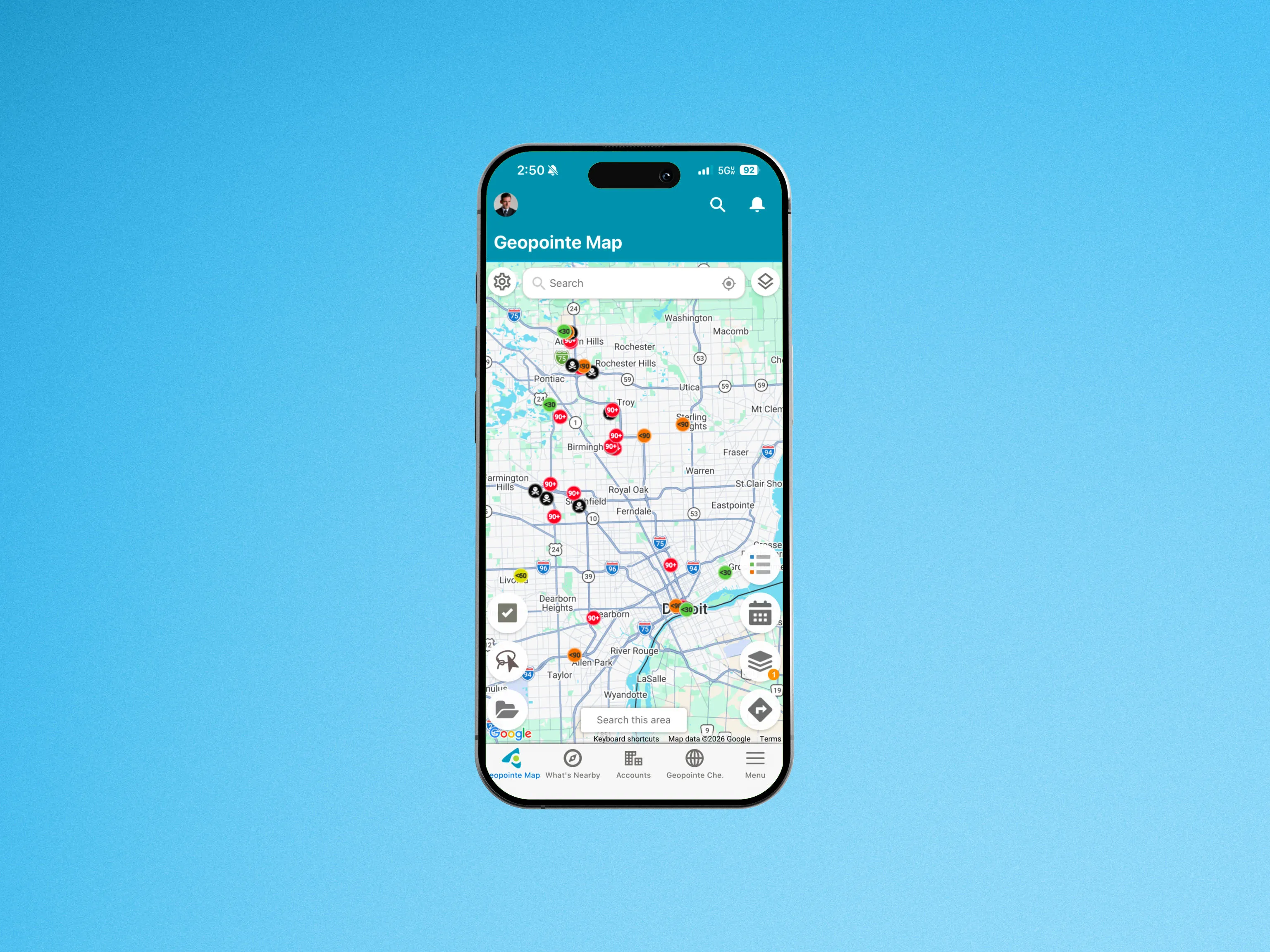
Geopointe runs right inside the Salesforce mobile app so you can maximize your time in the field, access routes, check in/out of locations, search your data sets, and much more!
Geopointe for Salesforce mobile has a robust set of features that can be used on any mobile device, including these capabilities:
- Search for data nearby or within selected map view
- Access saved routes or create/edit new ones
- Check in and out of a location
- Manage calendar-based schedules
- Navigate to any location
Simply add the Salesforce mobile app to your mobile device in order to access Geopointe. It’s that simple.
To learn more about using Geopointe with Salesforce for mobile, visit our help site.

.webp)




