


.png)



.png)



Mass Update
Simply update a field to a specified value for mapped records at once.
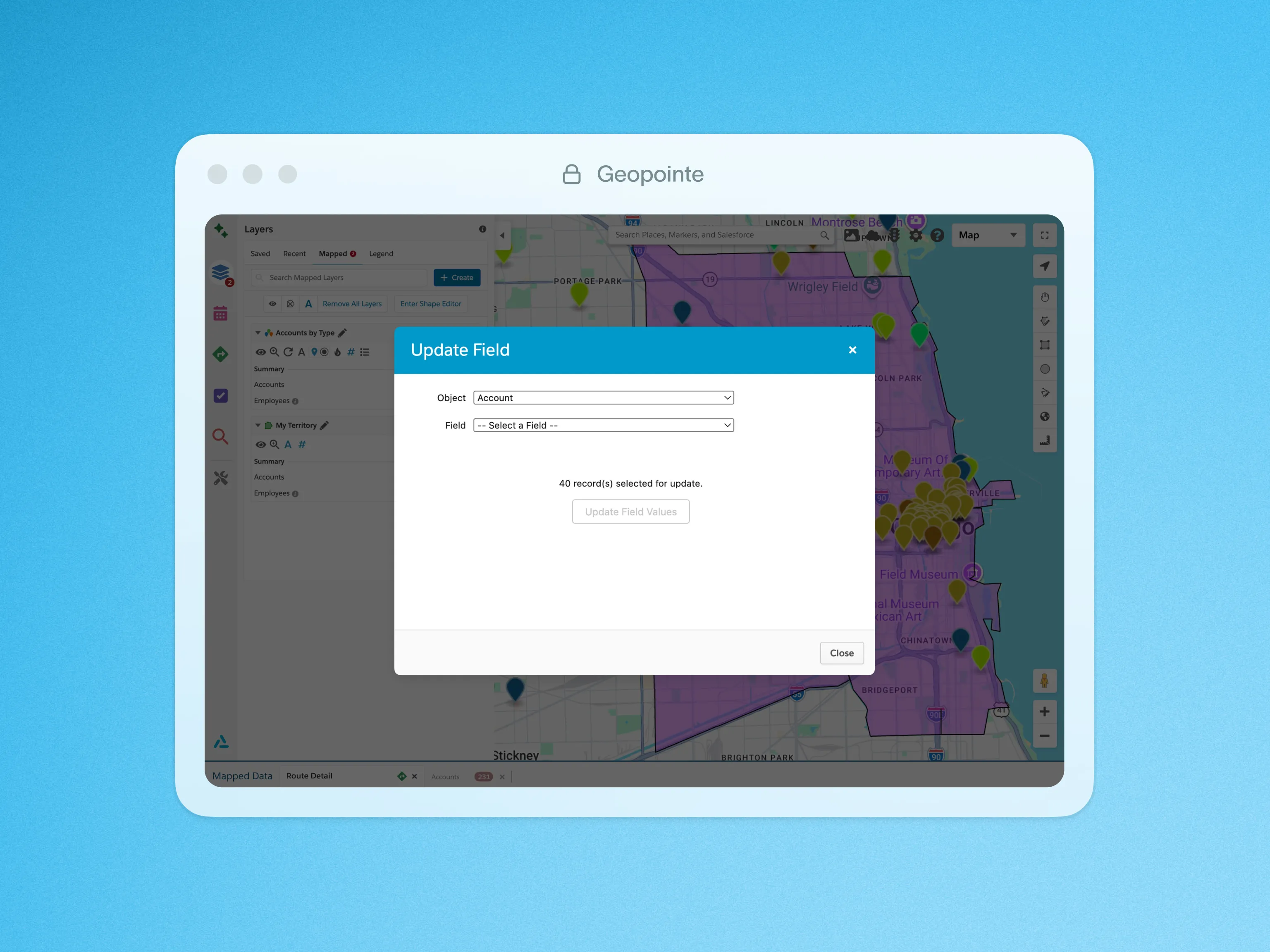
Perform mass updates of your Salesforce data with the Update Field action. This action lets you update a field to a specified value for many records at once, whether they are contained within a shape or selected from the list of mapped records. Streamline your data entry with geographic insight and a visual interface.
This action is easily performed from the actions menu of a shape or the mapped data table. Simply click the Update Field action, select a field and a value to enter, then click the update button to run the process. Access to this action can be granted to all or specific users, but users can only update fields that they have read/write permissions for.
To learn more about Mass Updating, visit our help site.

.webp)




