


.png)



.png)



Marker Customization
Customize map markers by color, shape, labels, or custom images to match your workflow.
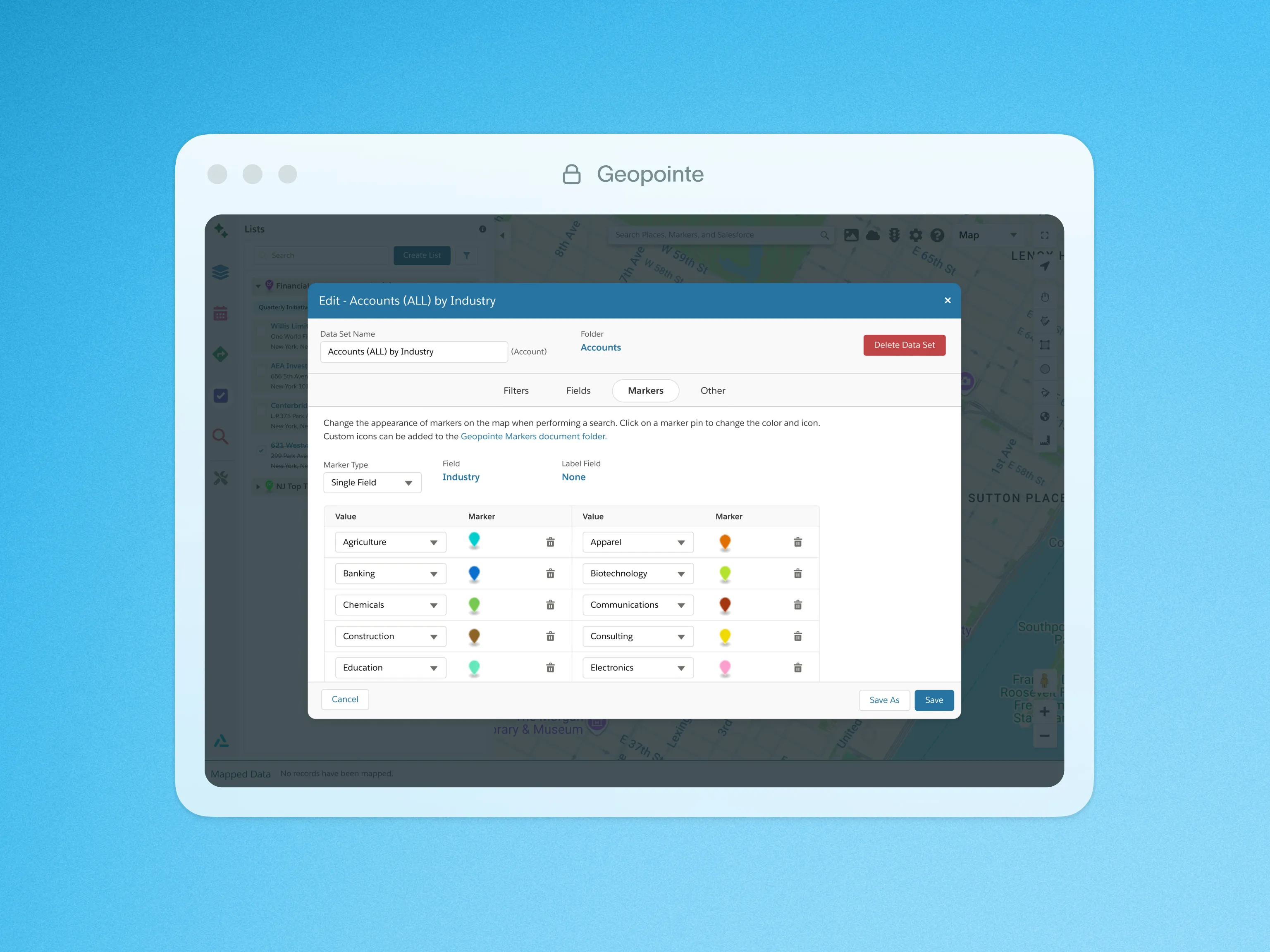
The map markers in Geopointe are customizable. They can be individually configured or be driven off of data fields in Salesforce.
End users can color pins by a field-range which is particularly helpful when using numeric fields. An example of this would be setting various colors based on opportunity amounts. You can also customize and color pins by field values such as Account Type, Account Rating, or Status, to name a few. You can also customize your markers to contain text. No need to stop there. Use any combination of the above options to create your custom markers. Geopointe also supports custom image files to be uploaded as marker icons. The map legend will give you an easy reference point of your custom markers.
To learn more about Marker Customization, visit our help site.

.webp)




