


.png)



.png)



Inline Editing
Update Salesforce records directly on the map while honoring Salesforce permissions.
Oops! Something went wrong while submitting the form.
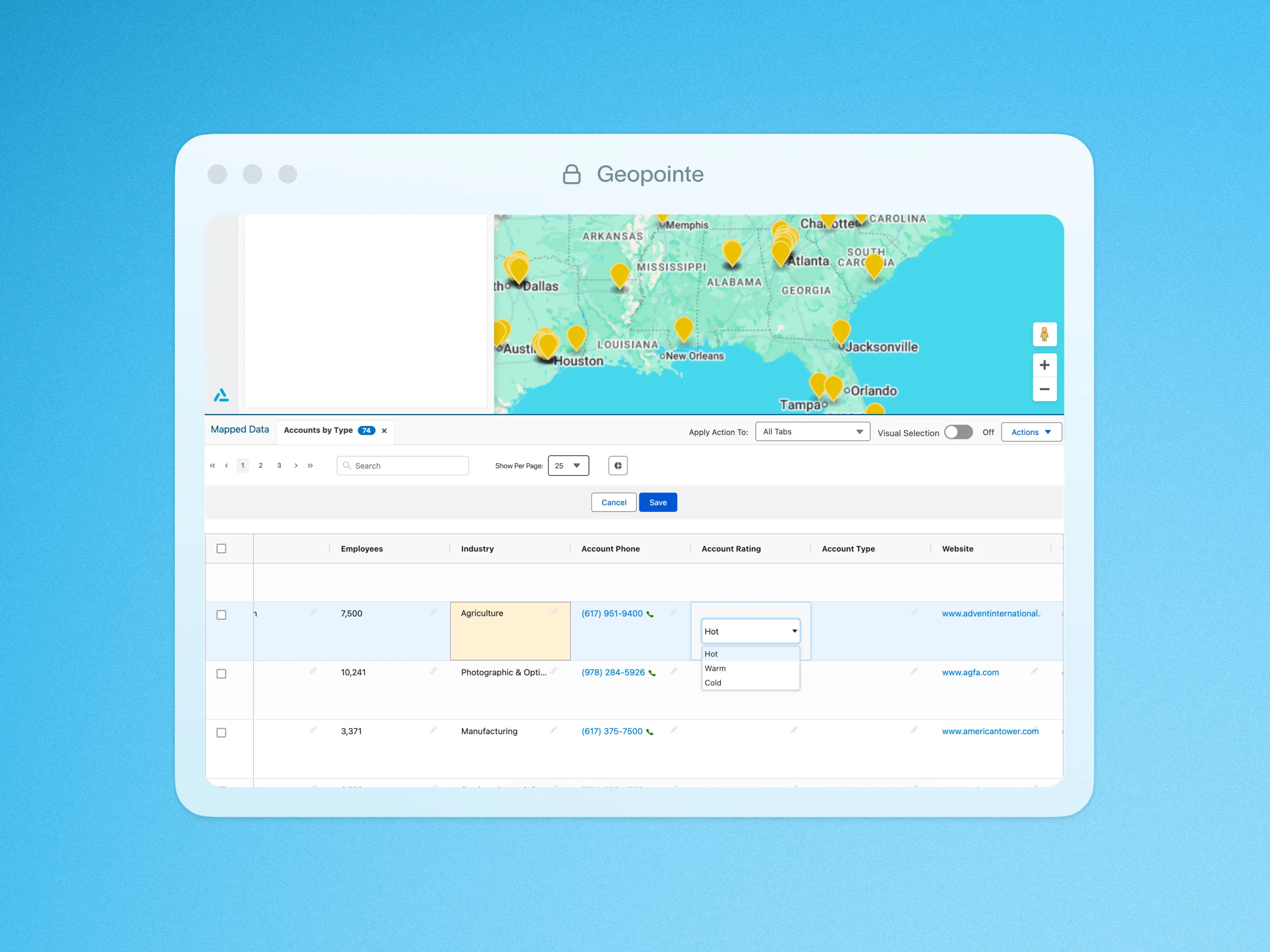
Update record fields right from the map. Geopointe honors Salesforce permissions and lets users update records on the fly, with just a few clicks!
You can edit fields directly from the info window of a single record, or from the list view below the map. Geopointe will use Object & Field Level Security to determine whether a field is editable for a user. The system will also consider record-level rules to determine whether the record is read-write or read-only for the user. Do your geographic analysis while keeping your Salesforce data clean and up-to-date!
To learn more about Inline Editing, visit our help site.

.webp)




