


.png)



.png)



Create Record
Create Salesforce records directly from the map using location data and nearby context.
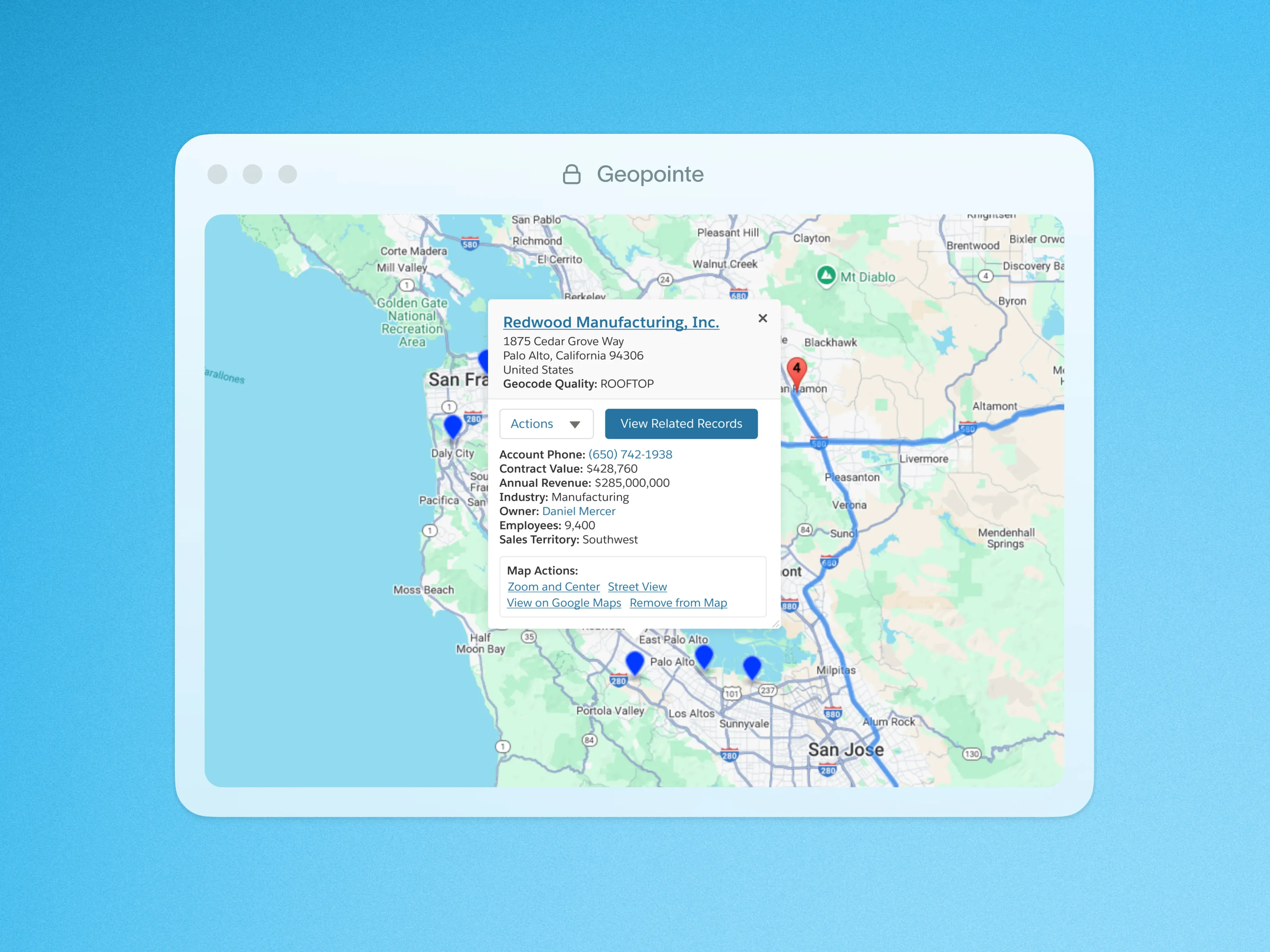
Create Salesforce records from any record, address or place on the map. Leverage the location and other available information and instantly populate the data into a new Account, Lead or any other type of record.
This feature lets you capture location data, define required fields and enter default values to streamline the record creation process. Use the action as a lightweight prospecting tool by searching with the Google Places search for relevant targets in a given area (e.g. restaurants or dentist offices), then adding those prospects into Salesforce on the fly. Or use the action in the field to quickly create new Cases or Opportunities from the map using the Salesforce mobile app. There are countless ways to use this feature to streamline your internal processes.
To learn more about the Create Record action, visit our help site.

.webp)




