


.png)



.png)



Complex Filtering
Add another dimension to your data by mapping records based on their relationship with other objects.
Oops! Something went wrong while submitting the form.
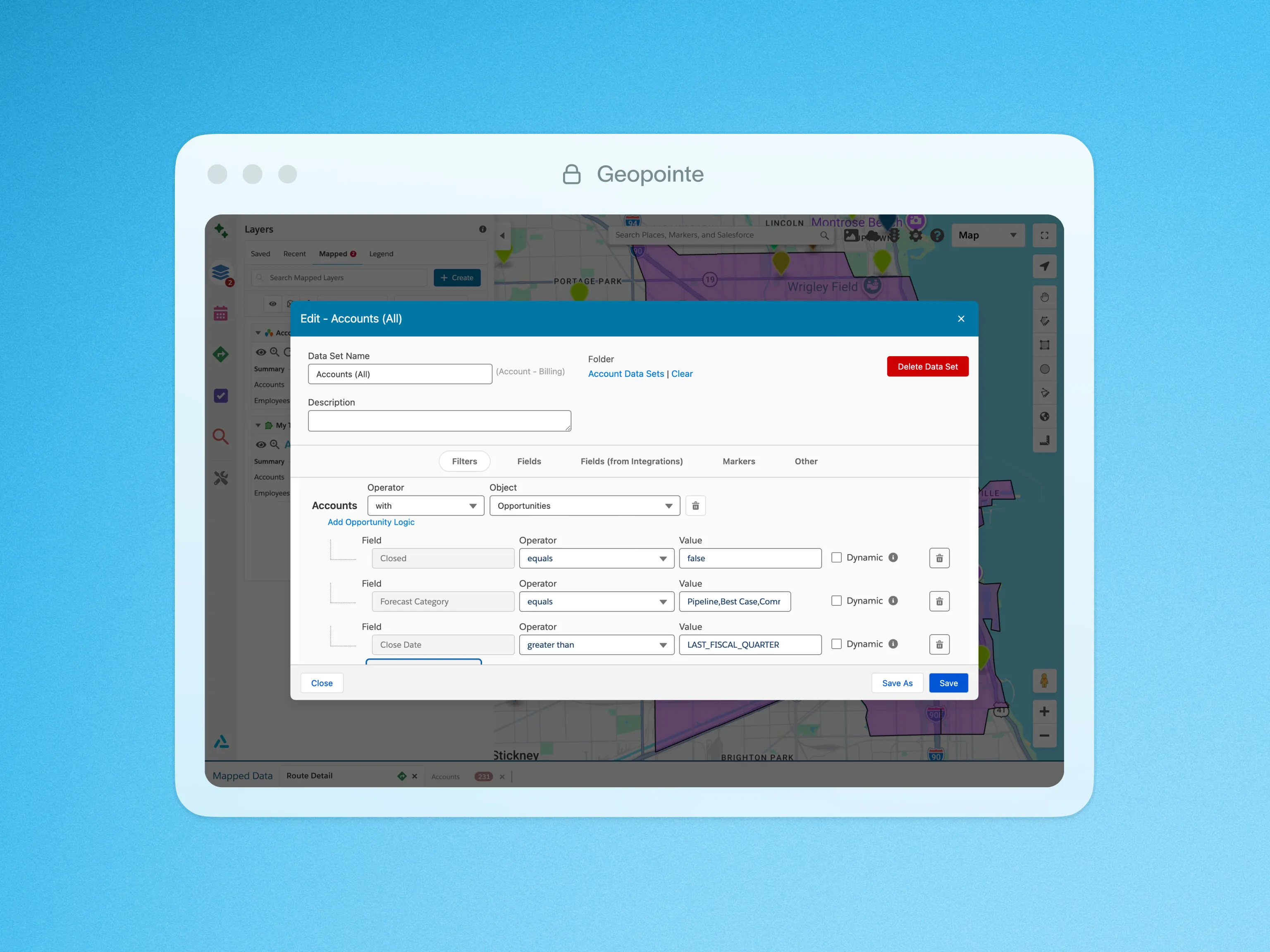
Cross-object filters add another dimension to your data by mapping records based on their relationship with other objects.
For example, you can filter to include Accounts with Opportunities so you only see Accounts that have Opportunities associated with them. Take this analysis to the next level with filtering on the cross-object. You could filter to show only open Opportunities of a certain forecast and close date window, ensuring only the most relevant data is on the map to be analyzed.
To learn more about the filters, visit our help site.

.webp)




