


.png)



.png)



Check In & Out
Log stop check-ins on mobile to confirm location, capture visit notes, and keep activity accurate.
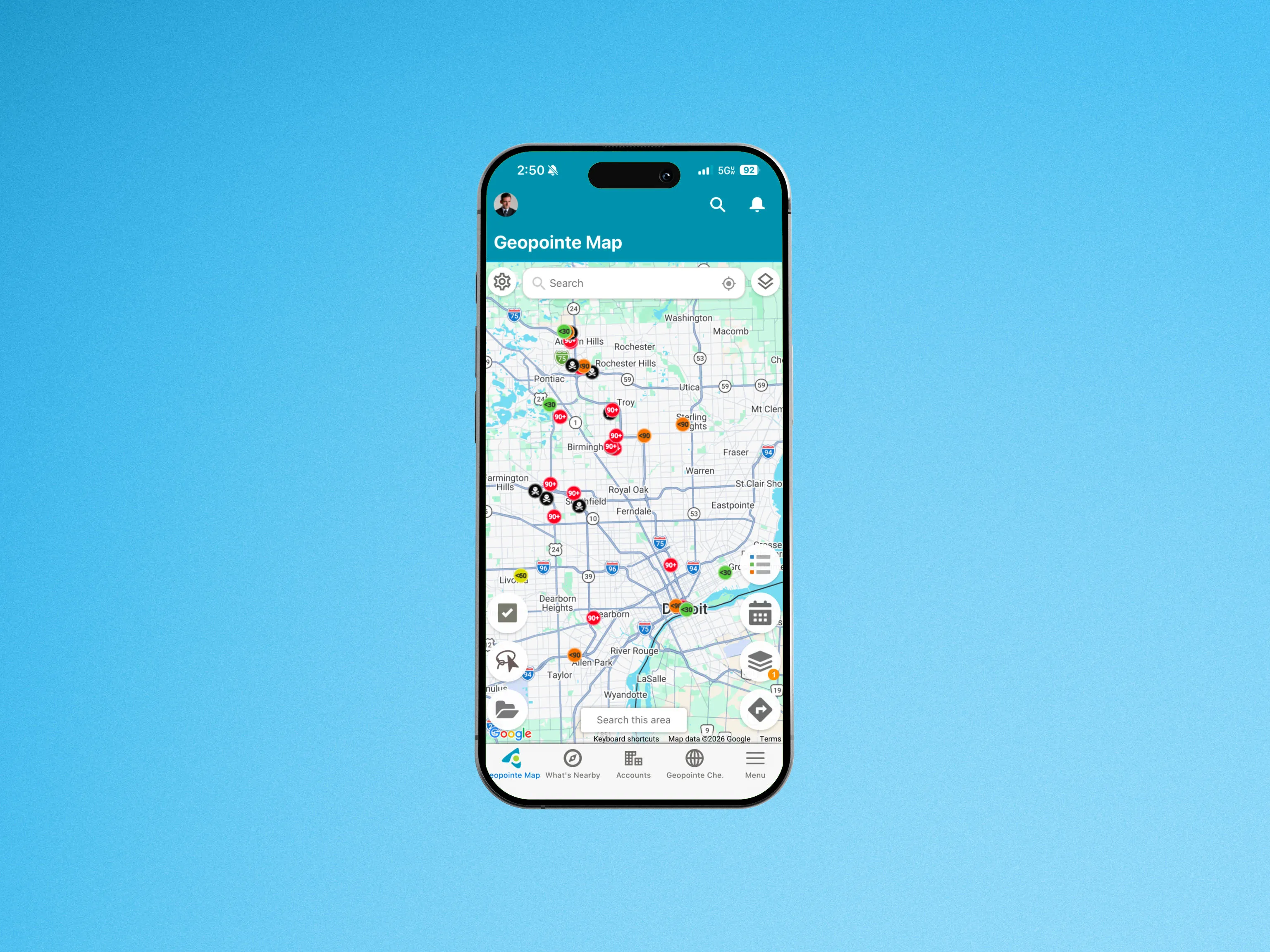
Mobile users can check in and out of their stops while in the field, confirming their location and logging information about their visit. This is tracked in Salesforce and associated with the corresponding record, allowing teams and management to verify field activity and trigger workflows.
Check-in and check-out settings allow you to customize preferences such as the fields for the user to fill out, and whether a task record is completed during the action. Make reporting easy and consistent by setting default subject lines for mobile check-ins. You can even post a map image of your location to Chatter upon checking in.
To learn more about the Check-in/Check-out feature, visit our help site.

.webp)




