


.png)



.png)



Change Owners
Quickly change the owner of one, some, or all of your mapped records with a few clicks.
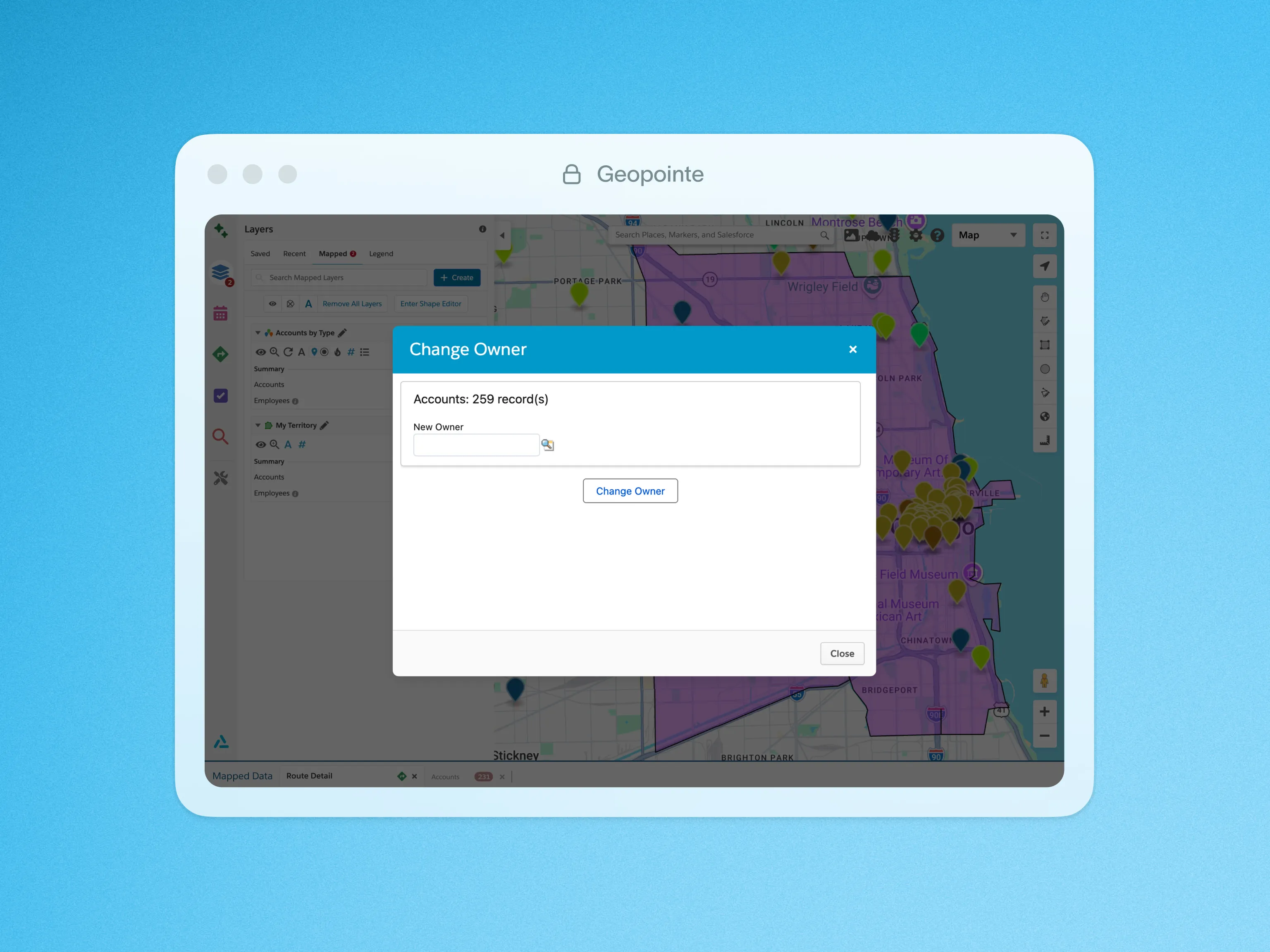
Managing record ownership in Salesforce the traditional way can be challenging, but Geopointe makes it easy. With the Change Owner action, you can quickly change the owner of one, some, or all of your mapped records with a few clicks.
This action can be applied to a single record, list of records, or records that fall within a shape on the map. Like all actions in Geopointe, Salesforce sharing rules apply so that users can only make these changes if they have the necessary permissions.
This feature can also be incorporated into Assignment Plans so that ownership is updated based on a record’s location.
To learn more about Changing Owners, visit our help site.
Click below for a quick look at Changing Owners in action.

.webp)




