


.png)



.png)



Add to Campaign
Quickly and easily add your mapped records to a Campaign.
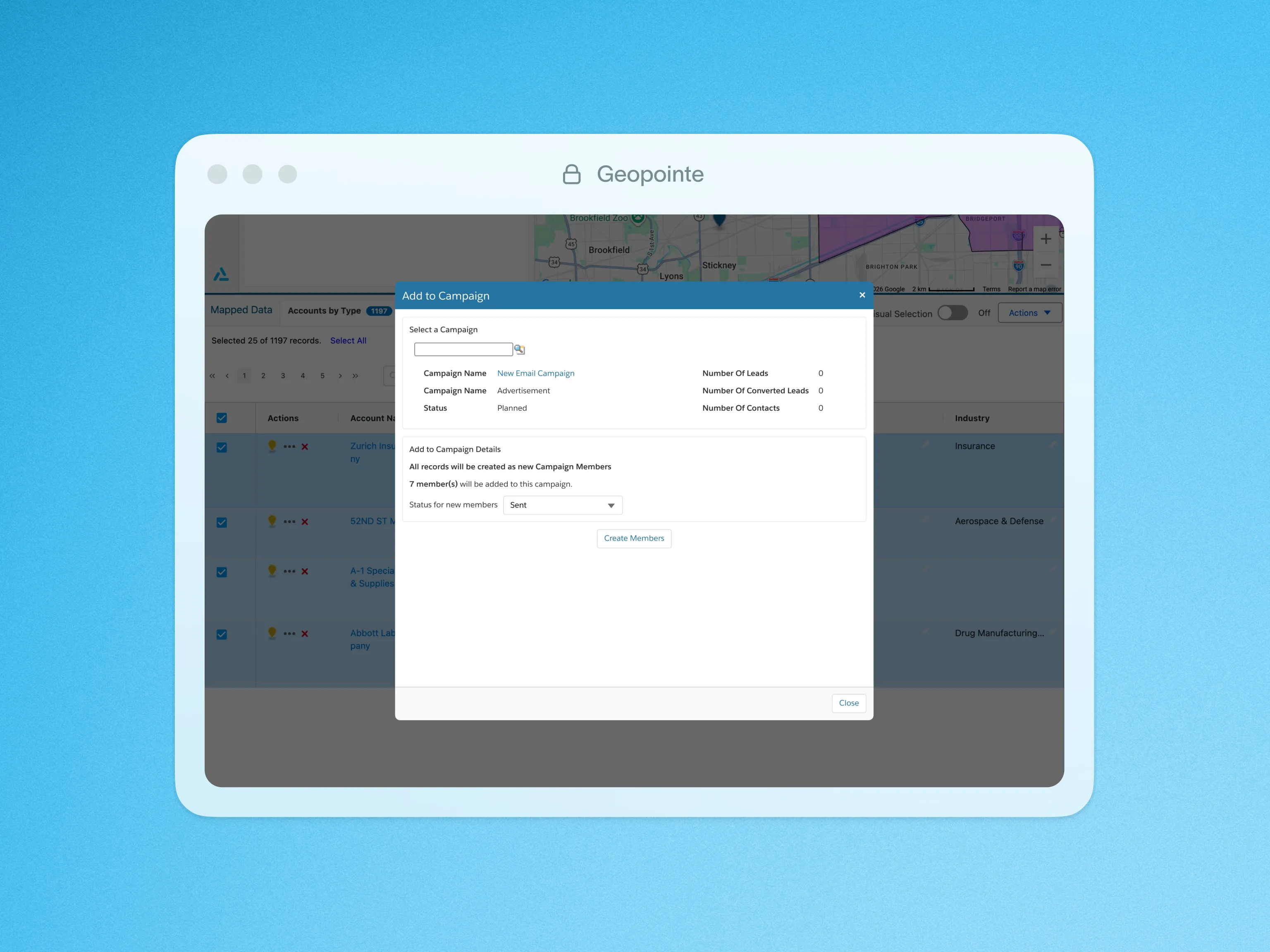
Add your mapped results to a marketing Campaign. Great for account based, targeted, and email marketing. No matter what data is on the map, we will help you add the appropriate leads and/or contacts to the Salesforce Campaign.
Add to campaign is a great feature for sales and marketing teams looking to target a very specific audience based on their mapped results. Planning your next customer appreciation event and trying to find an ideal location, convenient to the majority of your customers? Geographically searching your customers within a specific area will help you easily zero in on an area that is the most densely populated, and add those customers to a campaign.
To learn more about adding to a Campaign, visit our help site.
Click below for a quick look at what adding to a Campaign looks like in action.

.webp)




