


.png)



.png)



KML Layers
Add KML, KMZ, or GeoRSS layers to overlay external data directly on the Geopointe map.
Oops! Something went wrong while submitting the form.
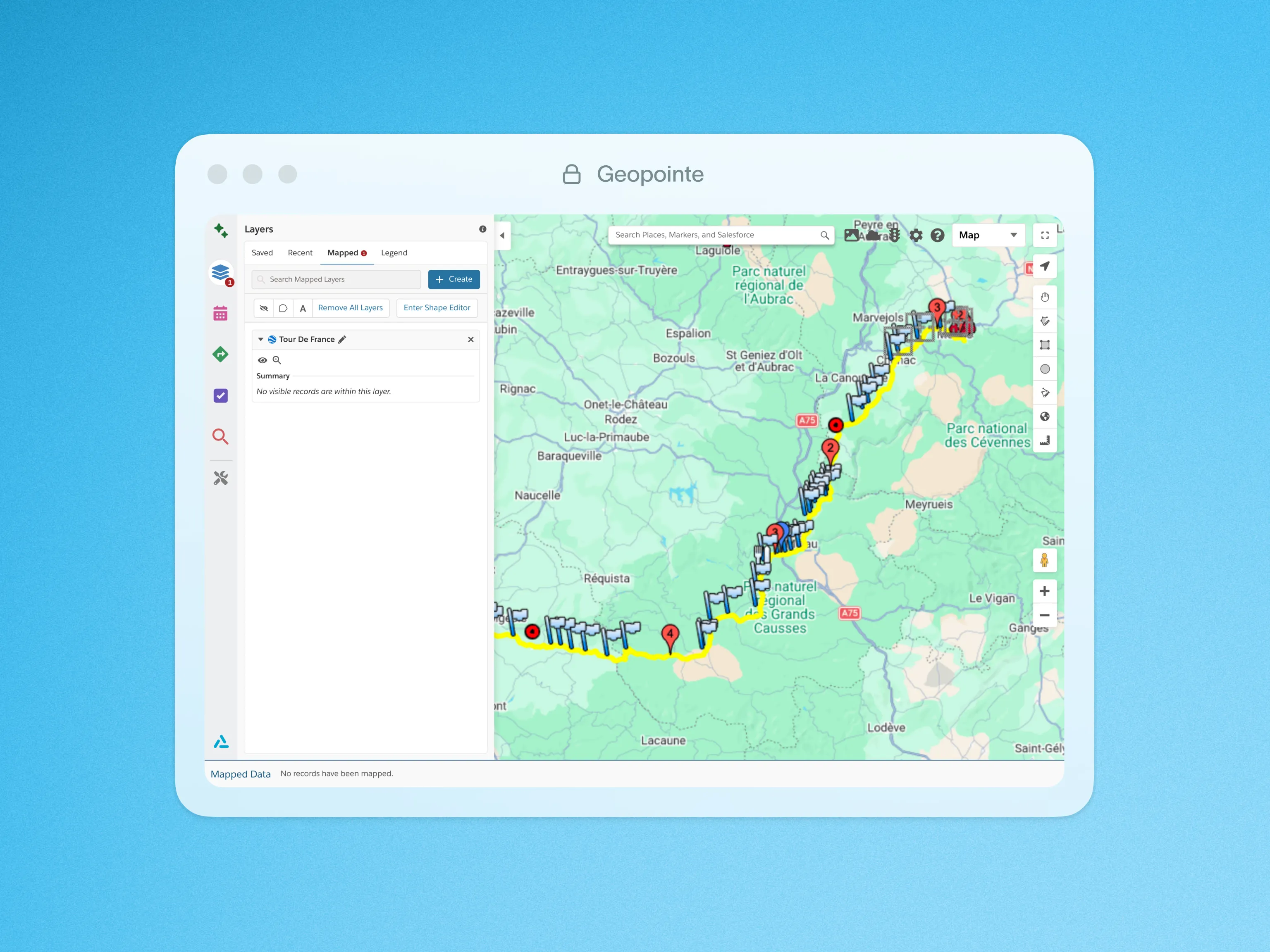
Add external data layers to the map with a click. Geopointe supports KML, KMZ and GeoRSS files, so you can overlay neighborhood outlines, transit lines, store locations, and more.
KML is a plaintext file which follows the Keyhole Markup Language (KML) framework. With KML files from government, industry, or academia, Geopointe users can easily display almost any external data in their system. With permissions granted by the administrator, end users can upload and save KML layers to add to the map at any time. Layering that with your Salesforce data can provide powerful insights.
To learn more about KML Layers, visit our help site.

.webp)




